Tamper-proofcorrections keep the original and who approved them
PDF, Excel, CSVofficial report for the Inspectorate
14 daysPro trial with unlimited users
How it works
From zero to clocking in within an afternoon.
A few minutes
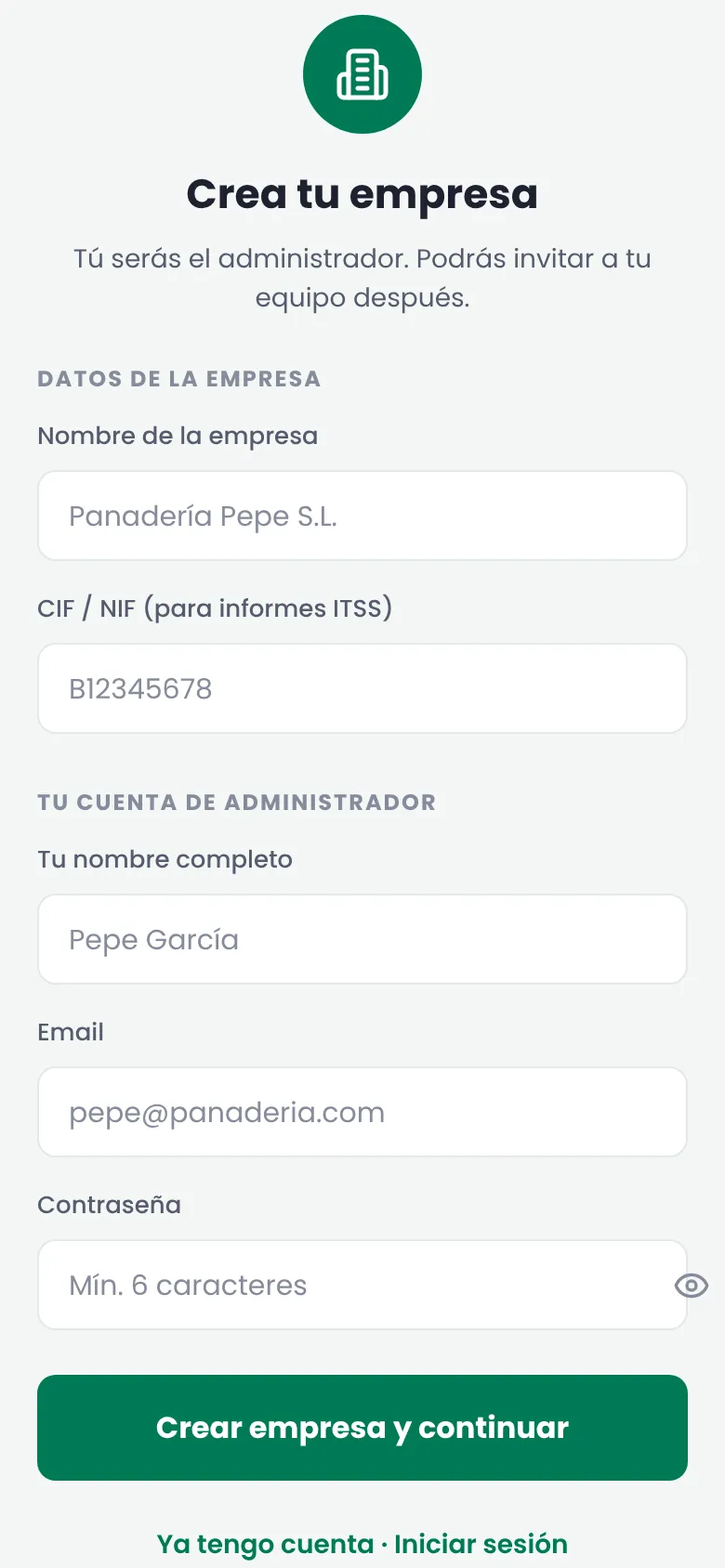
Create your company
Company name, tax ID and your email. No card needed.
1
Access
One link per person
Invite your team
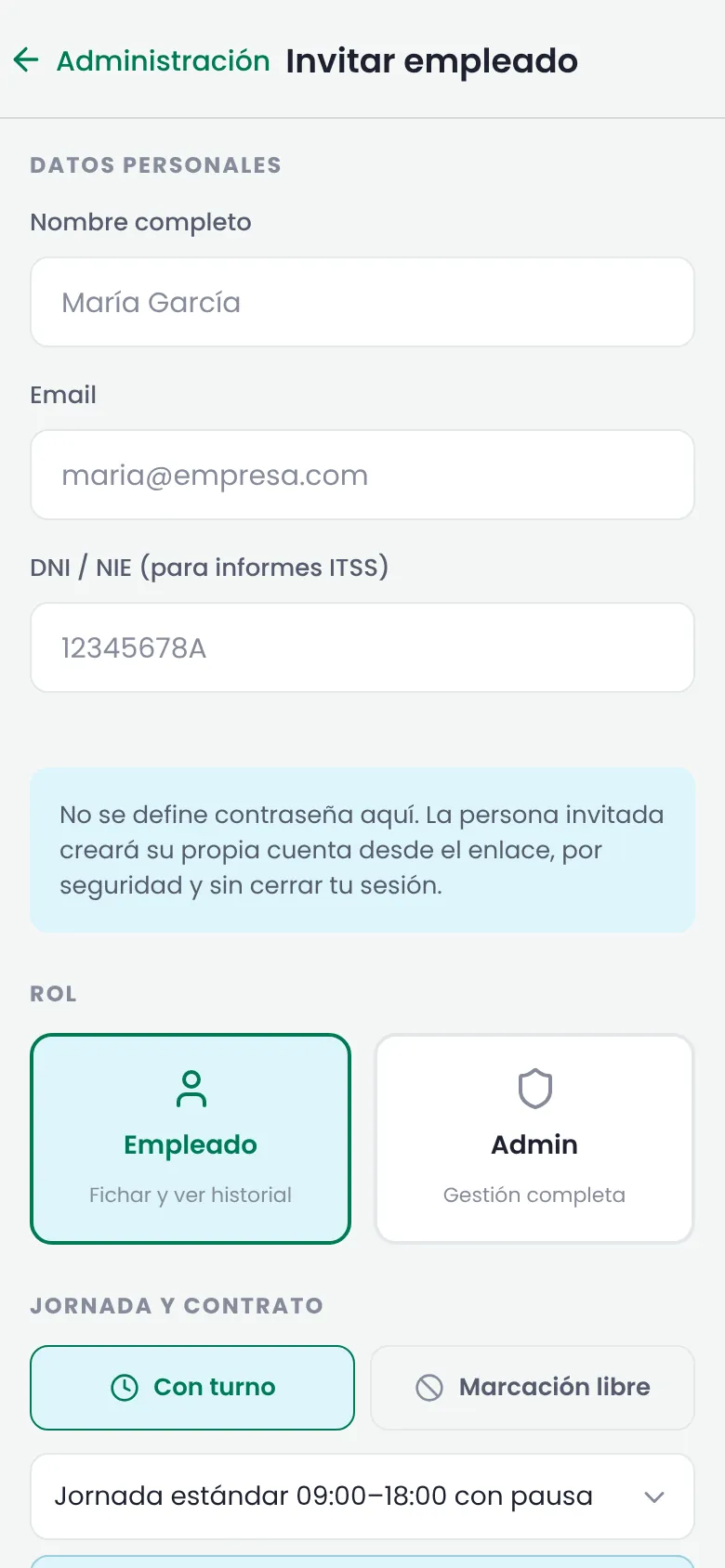
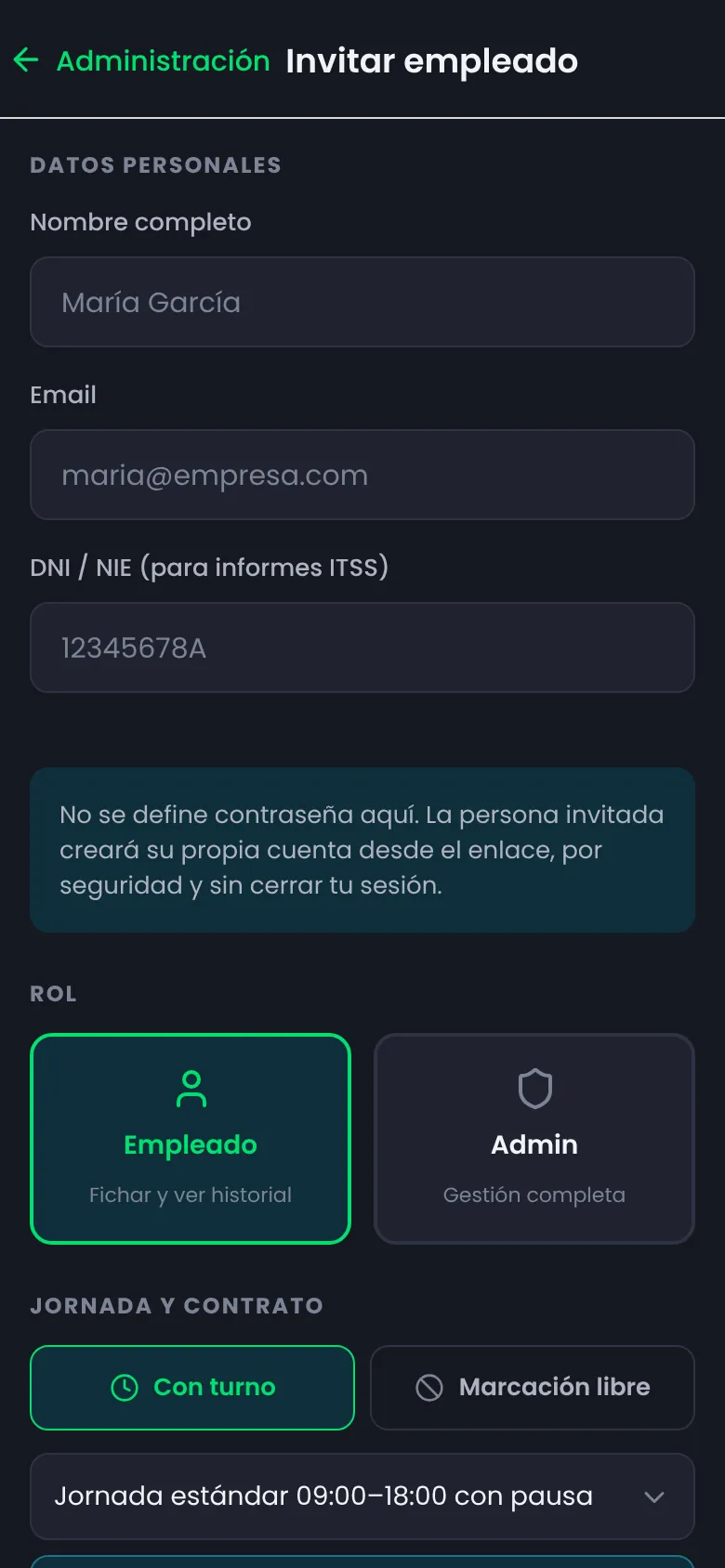
Choose role, shift, contract and centre, and generate one link per person. Each person sets their own password.
2
Admin view
Two seconds
Clock in with a tap
The app knows the next record: start, break, return or end of day. If something is wrong, you request a correction.
3
22:1417
Employee view
PDF, Excel or CSV
Close the month and export
You close the period for the whole company and download the report as PDF or Excel.
4
Admin view
Compliance
If the Inspectorate asks, you already have it.
Daily working-time records have been mandatory in Spain since May 2019 (Royal Decree-law 8/2019). The law makes no difference between three employees and three thousand.
A record that can't be edited without leaving a trace
Corrections with a reason and who approved them
A report ready in PDF and Excel, in one click
Mandatory
Every company, every person
Including the three-person company and including people who work remotely.
4 years
Record retention
Your records are never deleted: they are kept for 4 years, the period the law requires. Pro shows them all online. Starter shows your account's current year; each anniversary the previous year is archived, and you can download it, ask support for it, or get it back by moving to Pro.
Tamper-proof
Nothing is edited or deleted
A correction voids the earlier record and keeps who asked, who approved and when.
GDPR
Each company sees only its own data
Data isolation between companies at database level, and dated GDPR consent per user.
Product
What the law asks for, and much more.
Clock-ins, shifts, geofence, corrections, Inspectorate reports and period close. All of this works in the app today.
Employee view
For the people clocking in
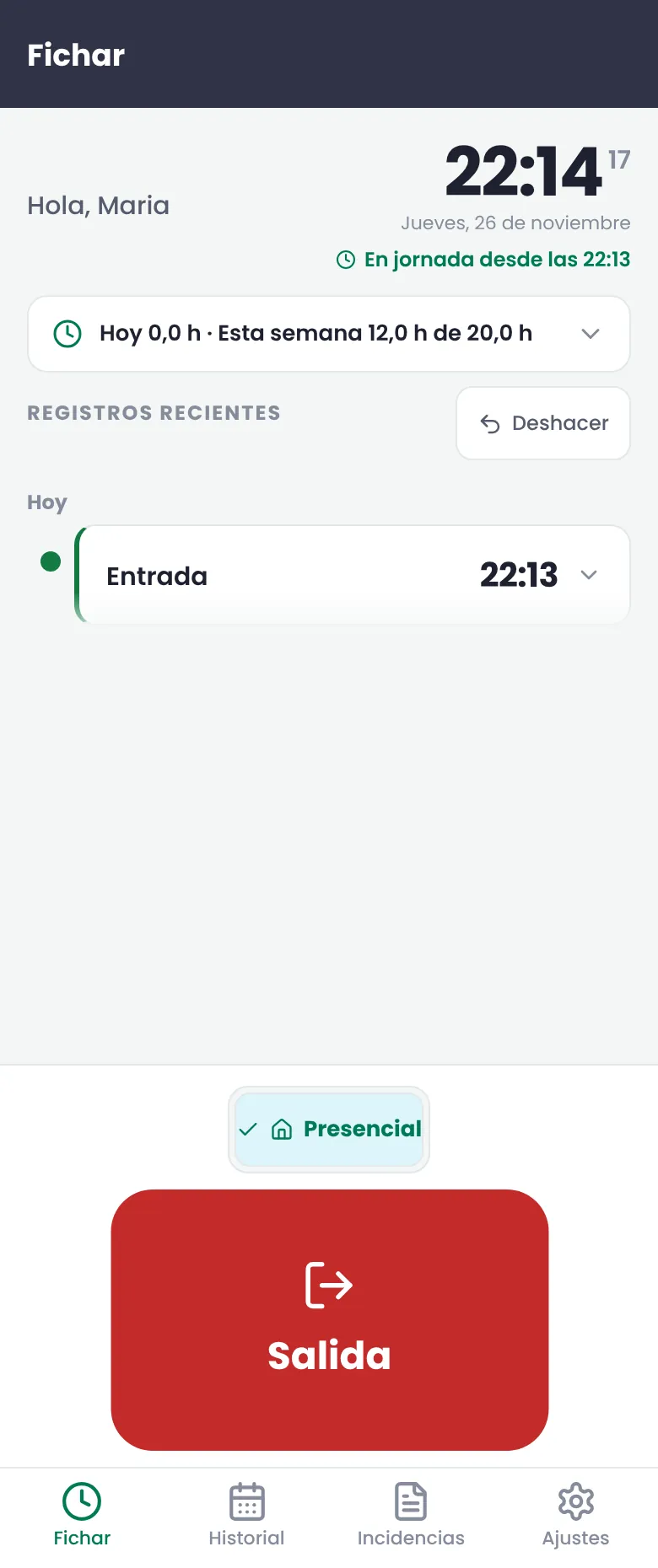
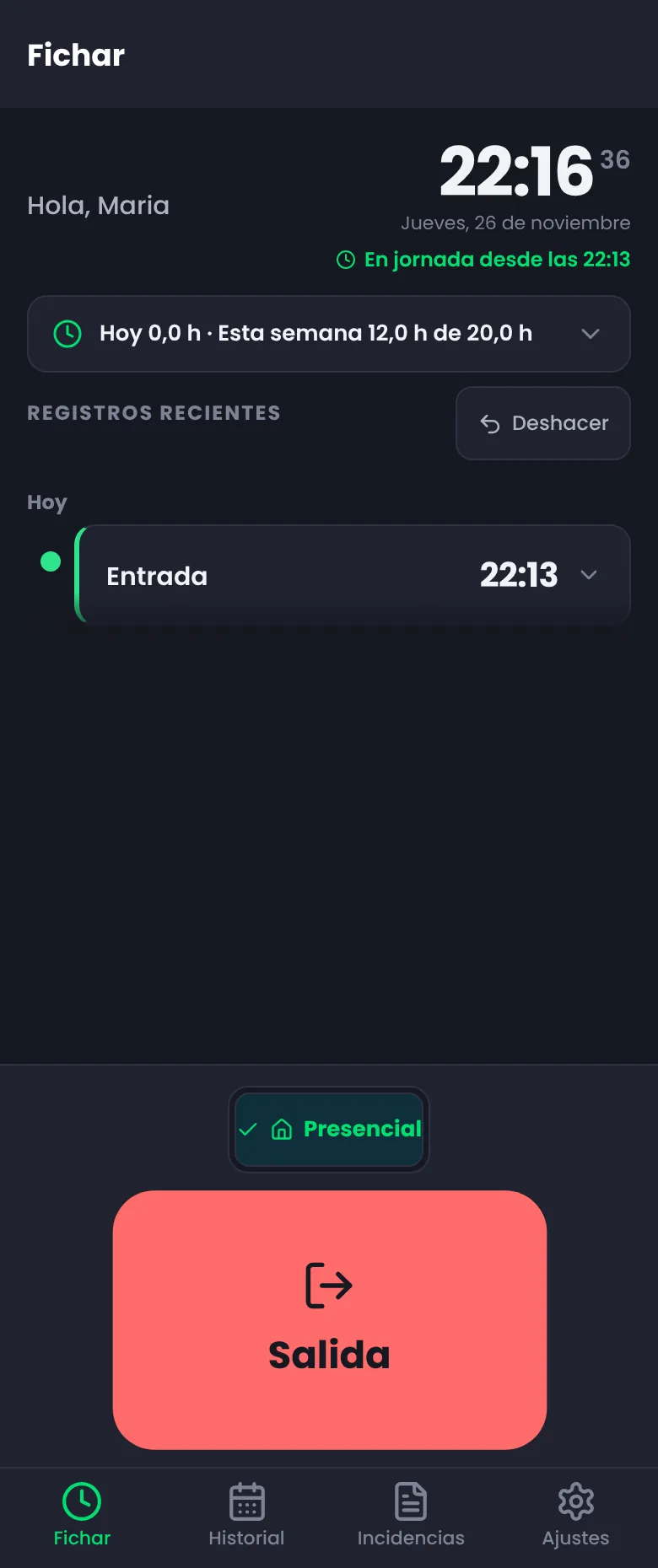
One button, the time and what you've done today. If something is wrong, you request the correction from your phone.
One-button clock-inThe button always shows the record that comes next. Nobody picks the wrong one between start, end or break.
On site, remote or travellingEach record stores the work mode. When travelling it is recorded in local time, and reports can be read in the centre's time or local time.
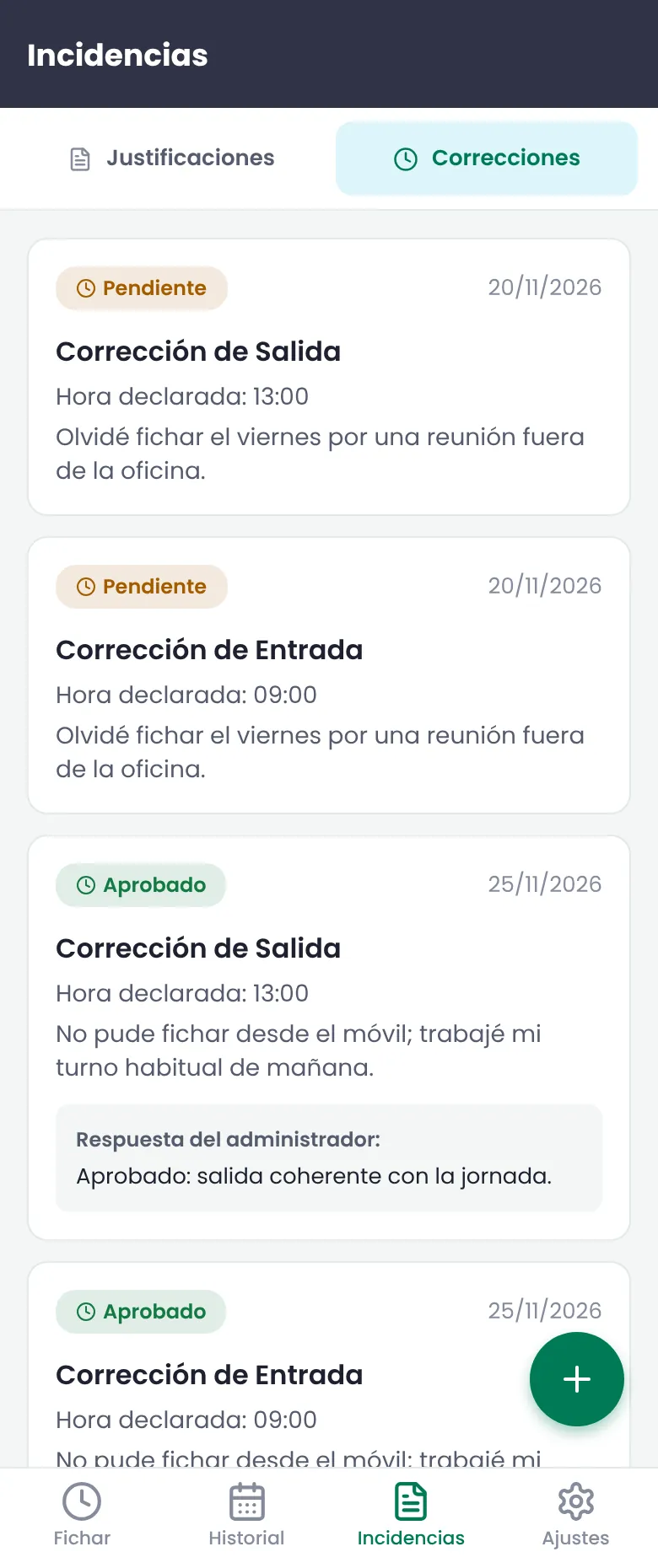
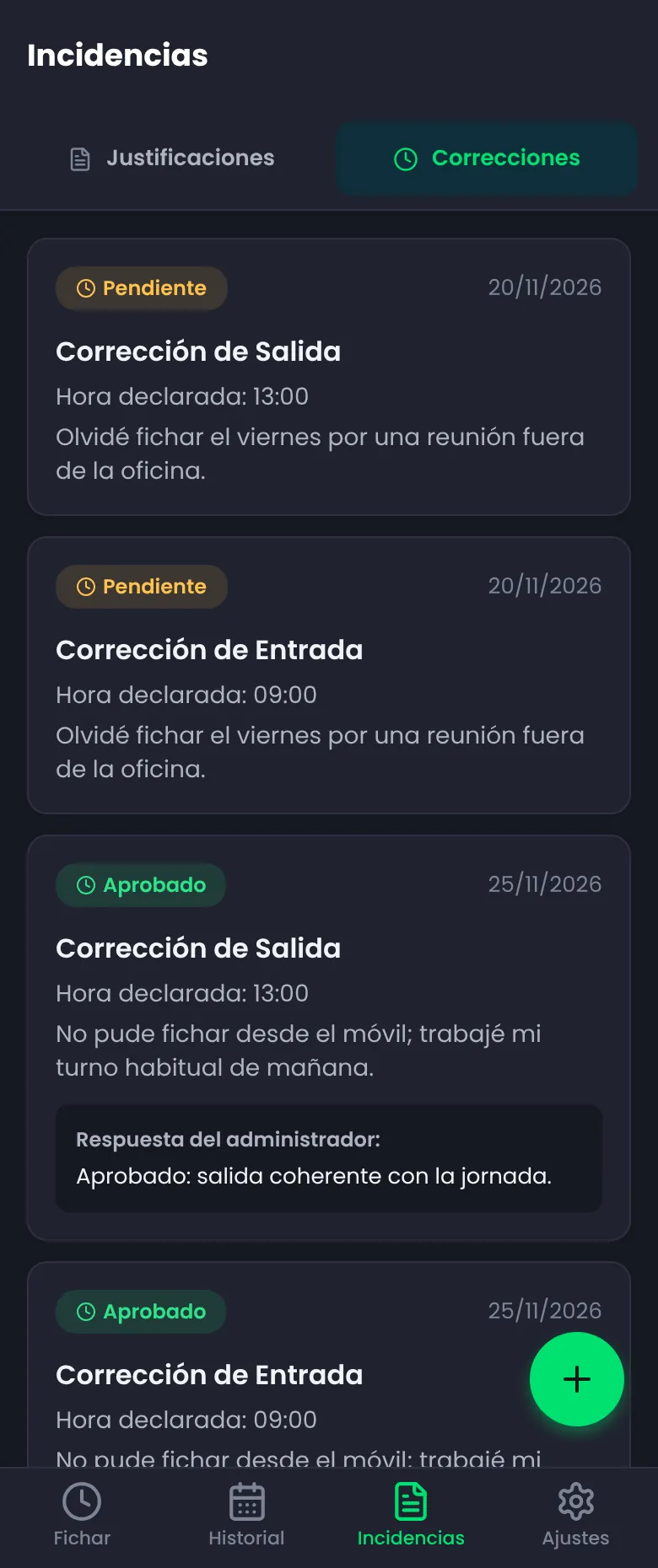
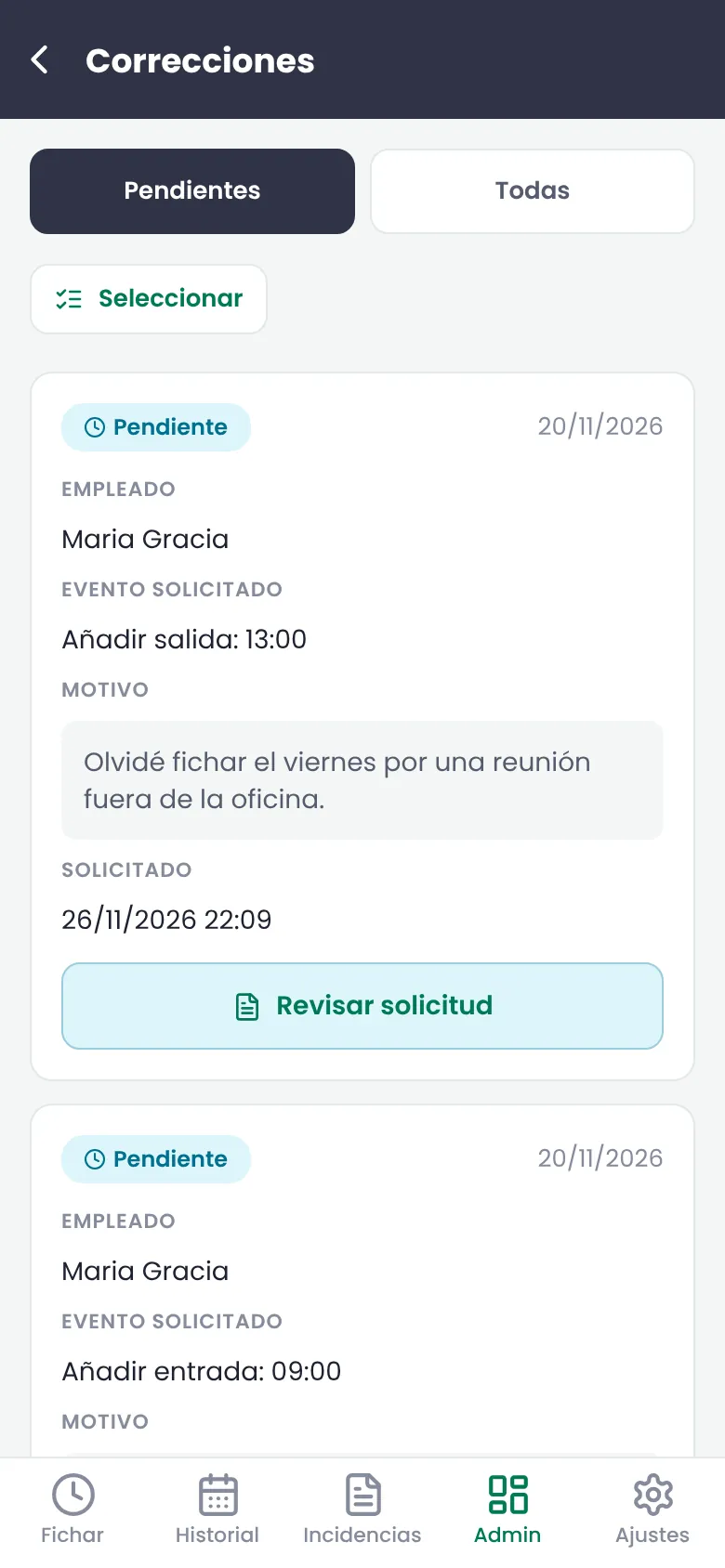
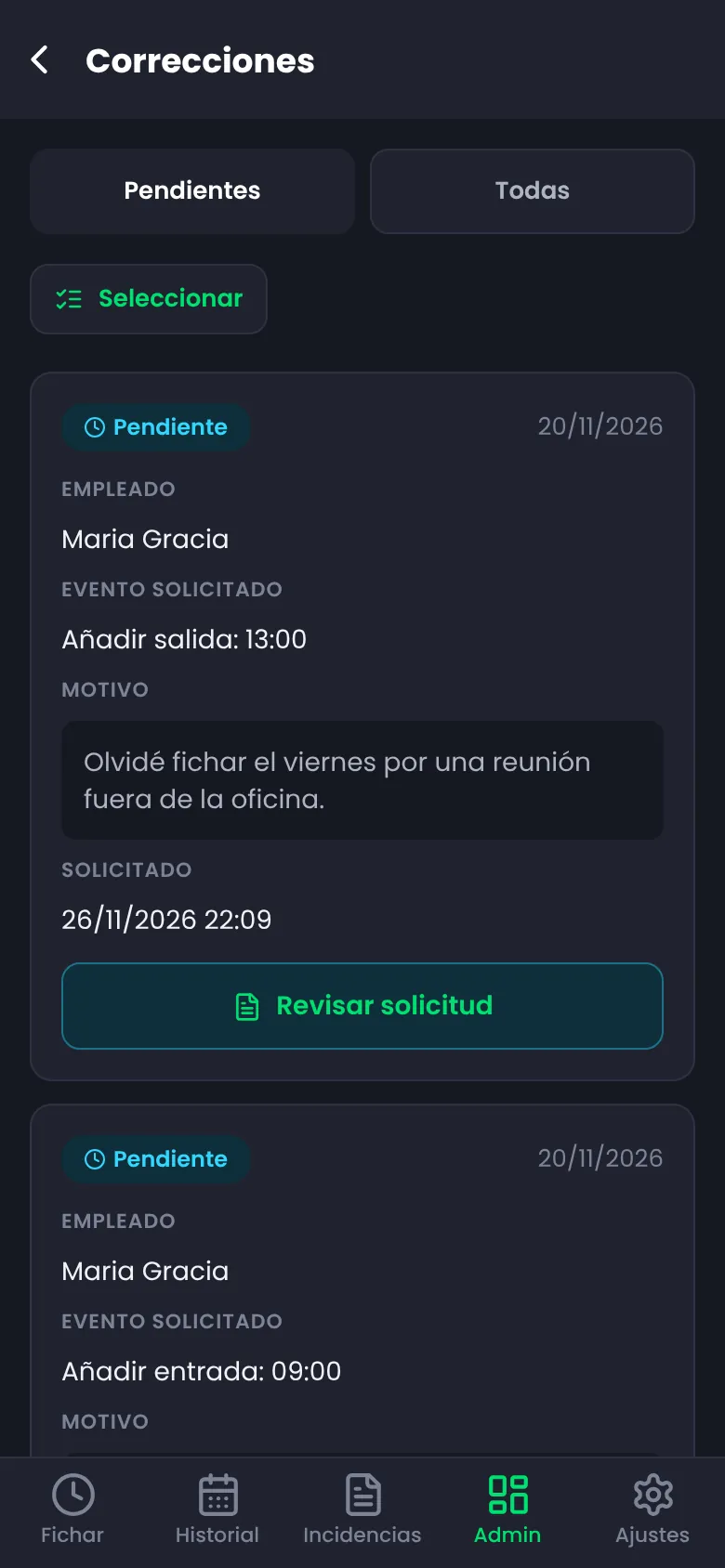
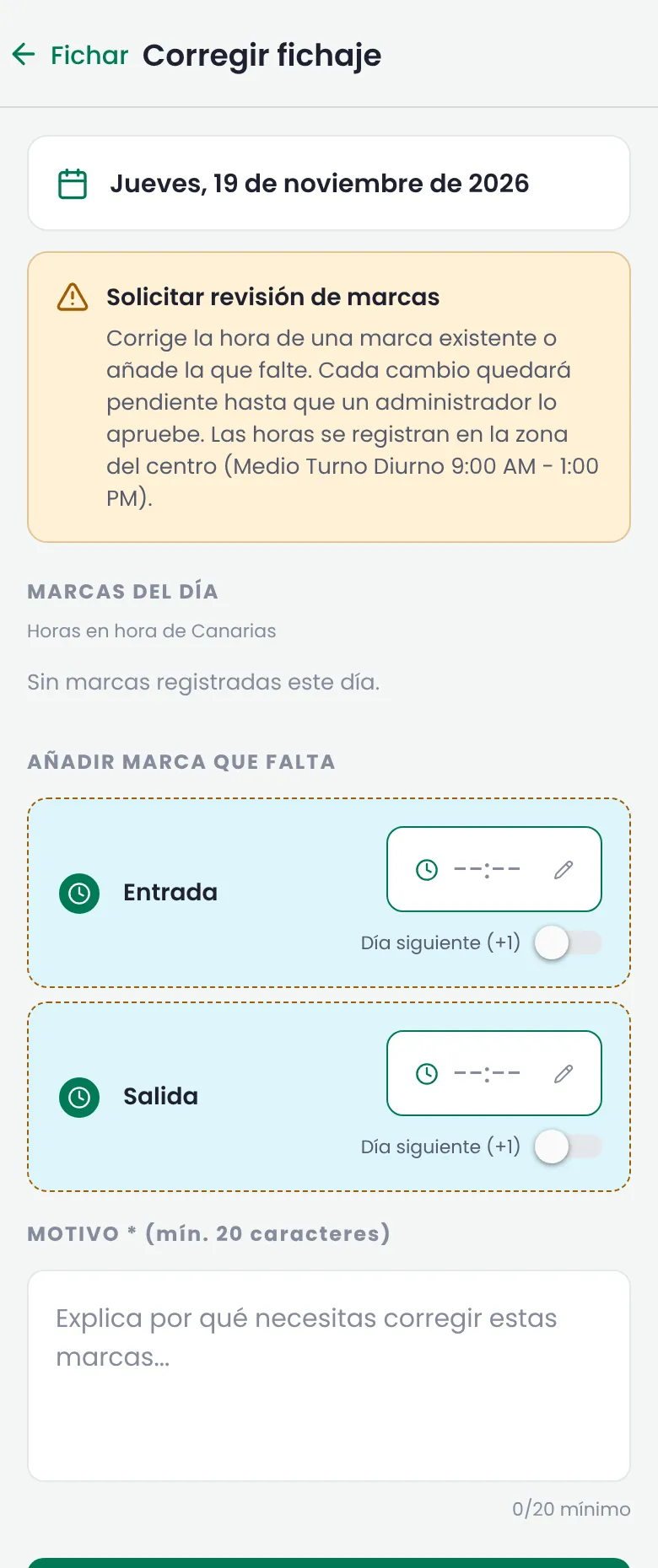
Corrections with approvalEmployees request a change with a reason of at least 20 characters. An admin approves or rejects it.
22:1417
Employee view
Absences and transparency
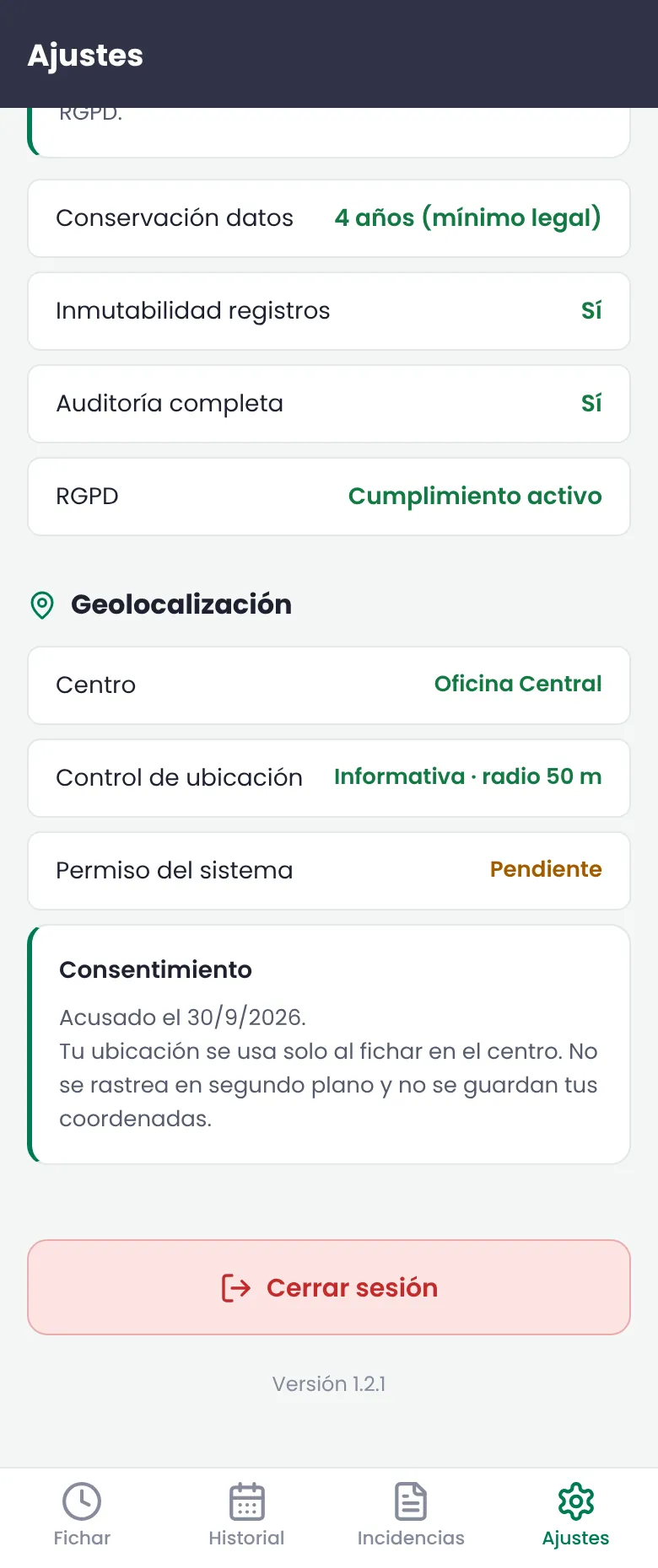
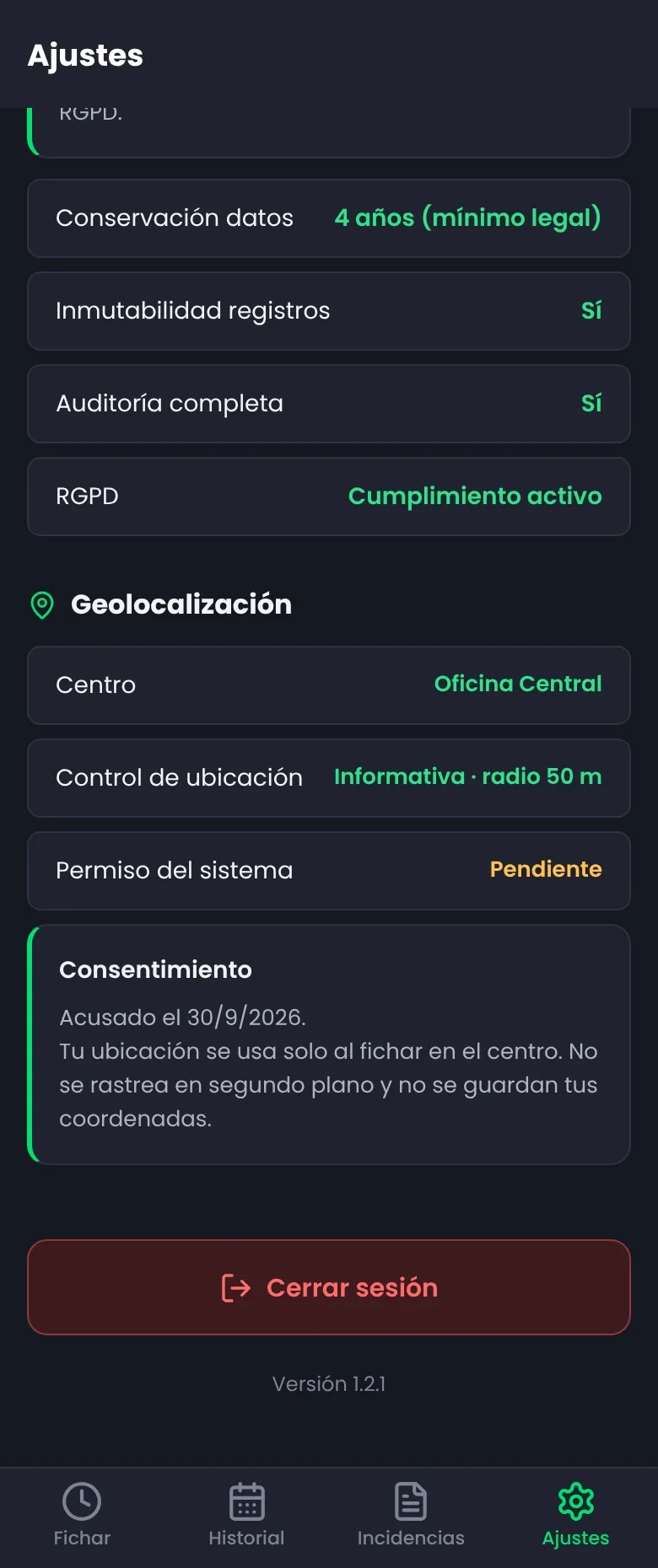
Request an absence with a short form and see what data is stored. Location is only used when clocking in and coordinates are not stored.
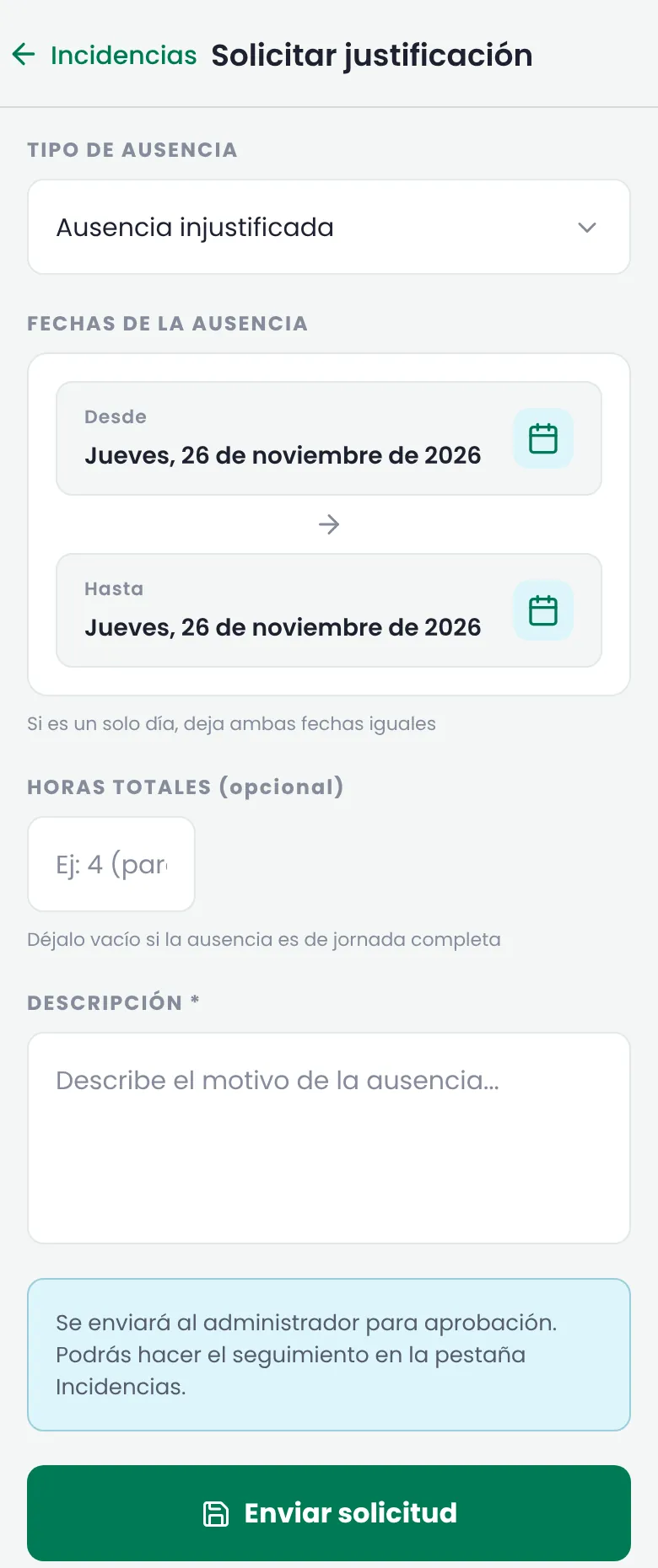
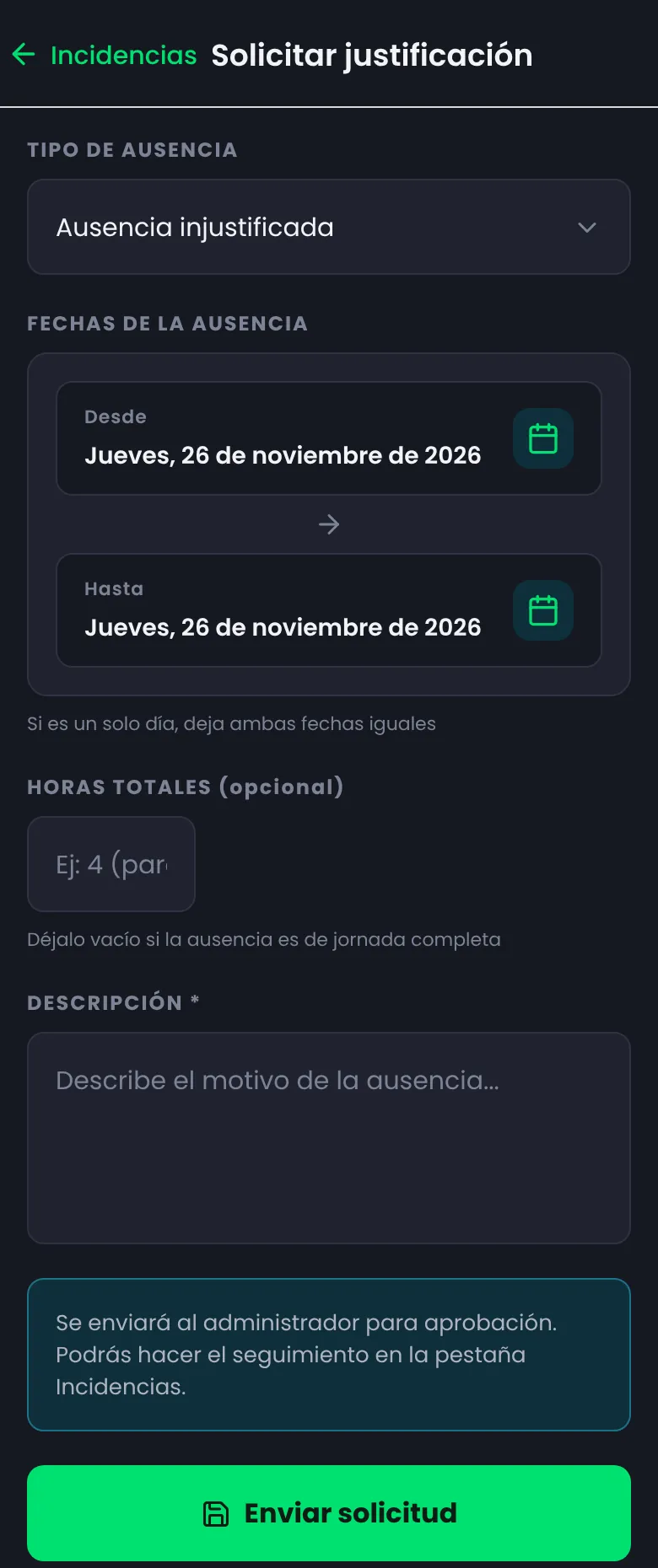
Absences and justificationsHolidays, sick leave and permits, for a single day or a date range, with partial hours when needed.
Tamper-proof recordsRecords are never edited or deleted: they are voided and replaced. The database enforces it.
Web, iOS and AndroidOne app you install from the browser, with your company's logo and colours.
Admin view
For whoever manages
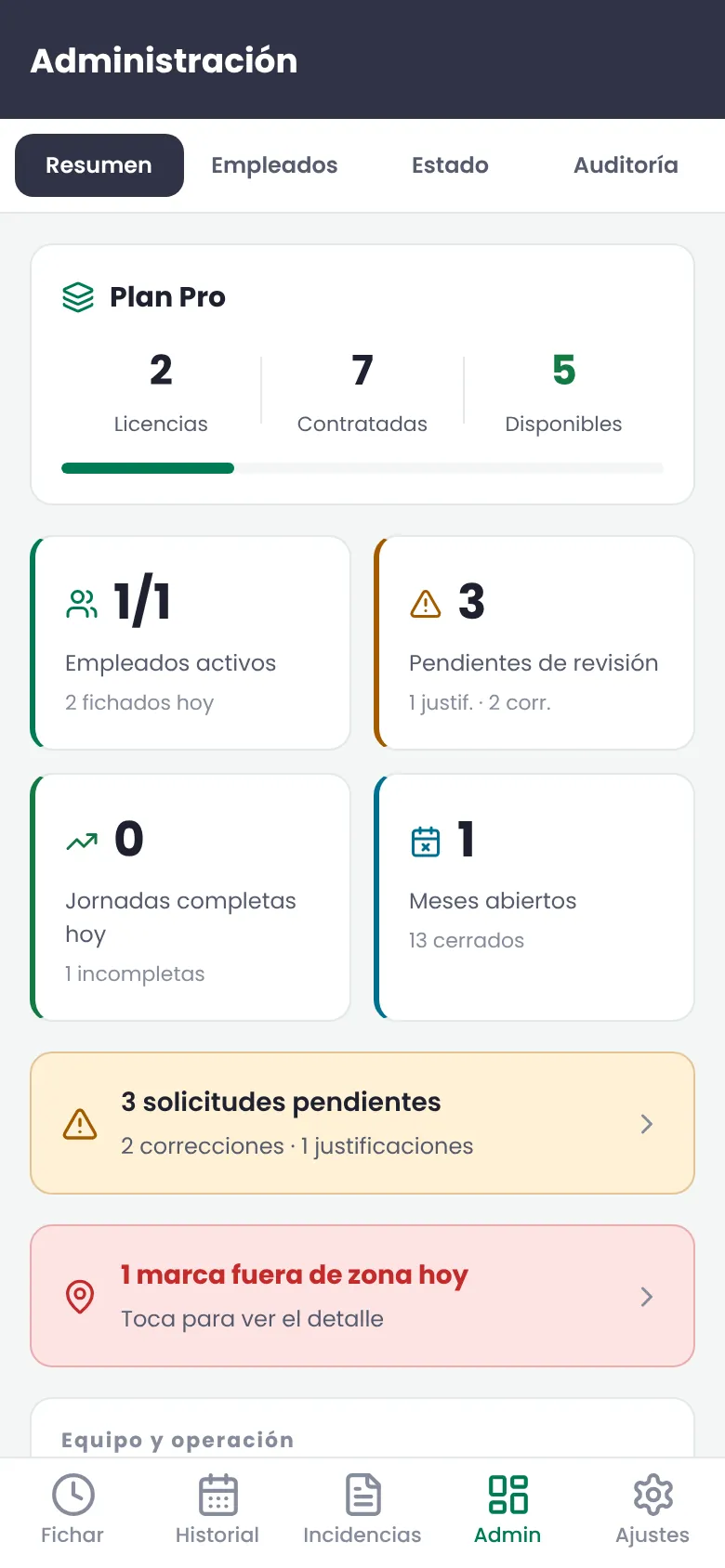
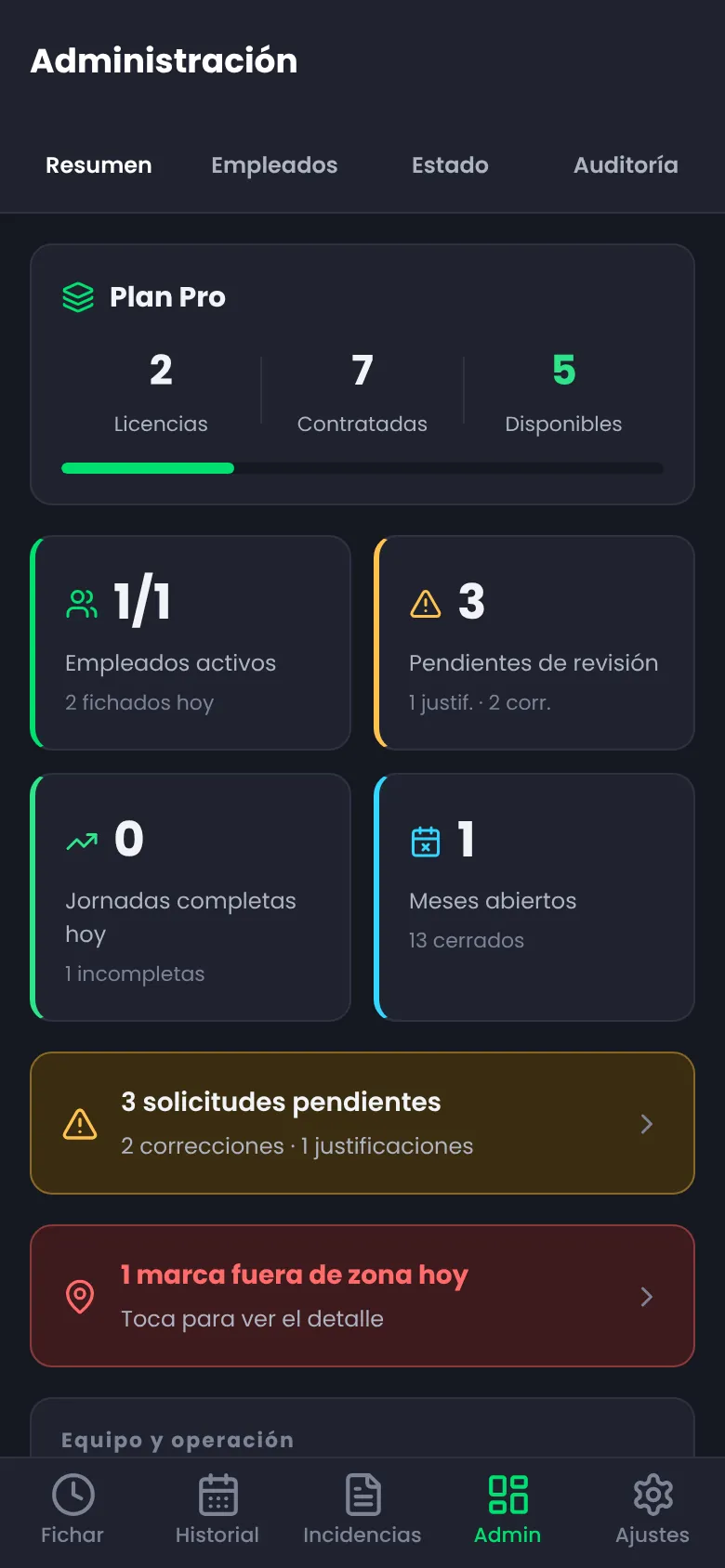
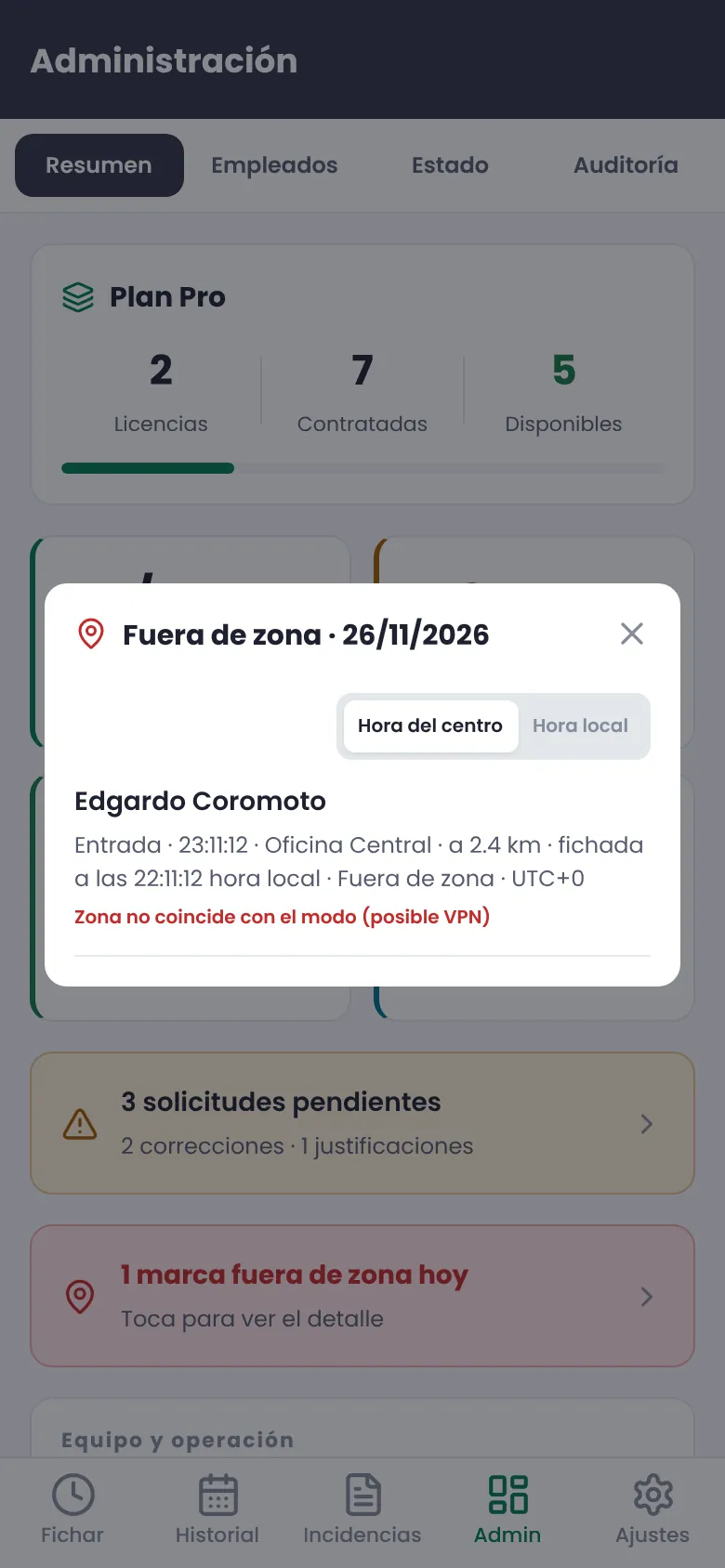
How many licences you use, who has clocked in and what is pending, on one screen.
Invite-based onboardingInvite by link and choose role, shift, contract and centre. The person sets their own password and your session stays open.
Per-user licencesYou pay for the people who clock in. An admin only uses a licence if they turn on “Marca horas”.
Admin view
Shifts and work centres
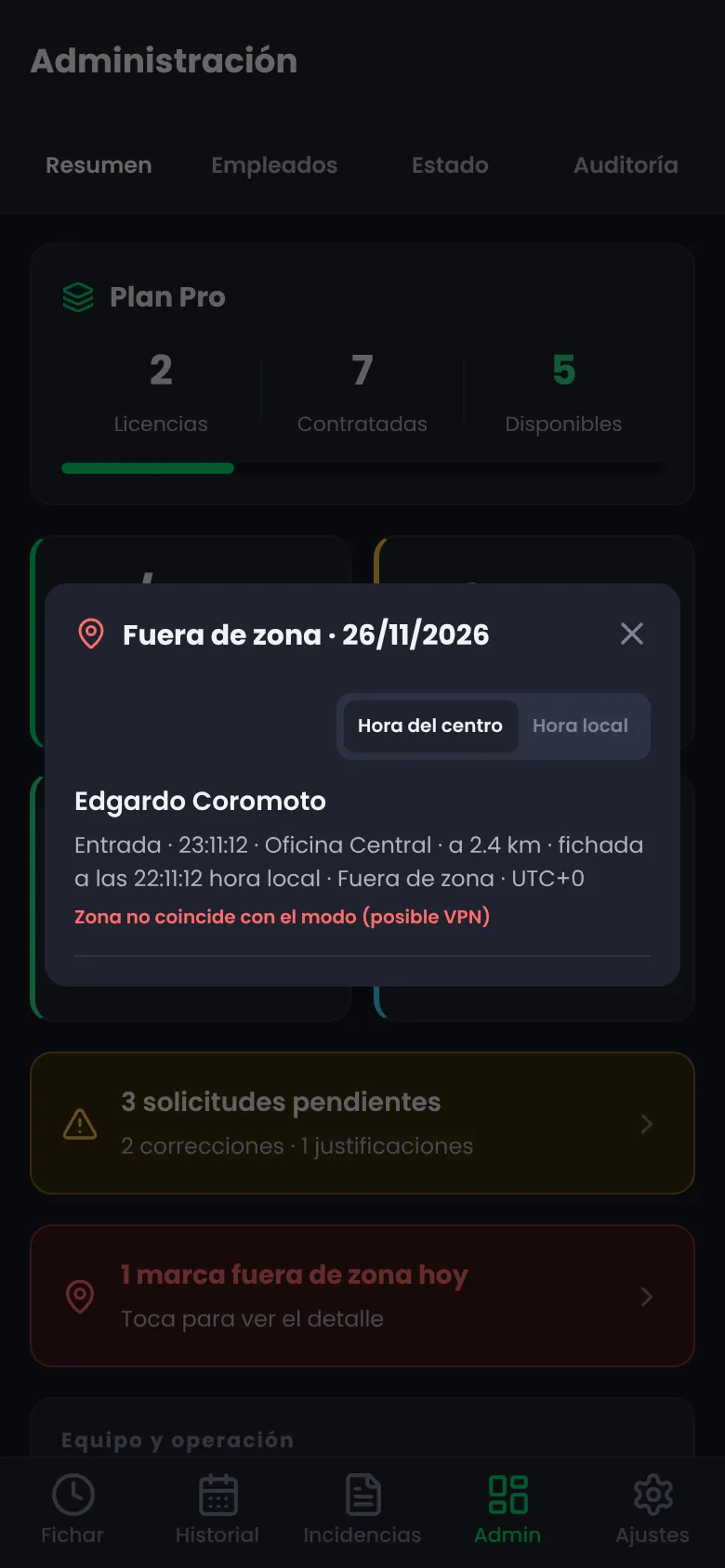
Define each shift and each centre with its geofence. The app flags what falls outside the zone.
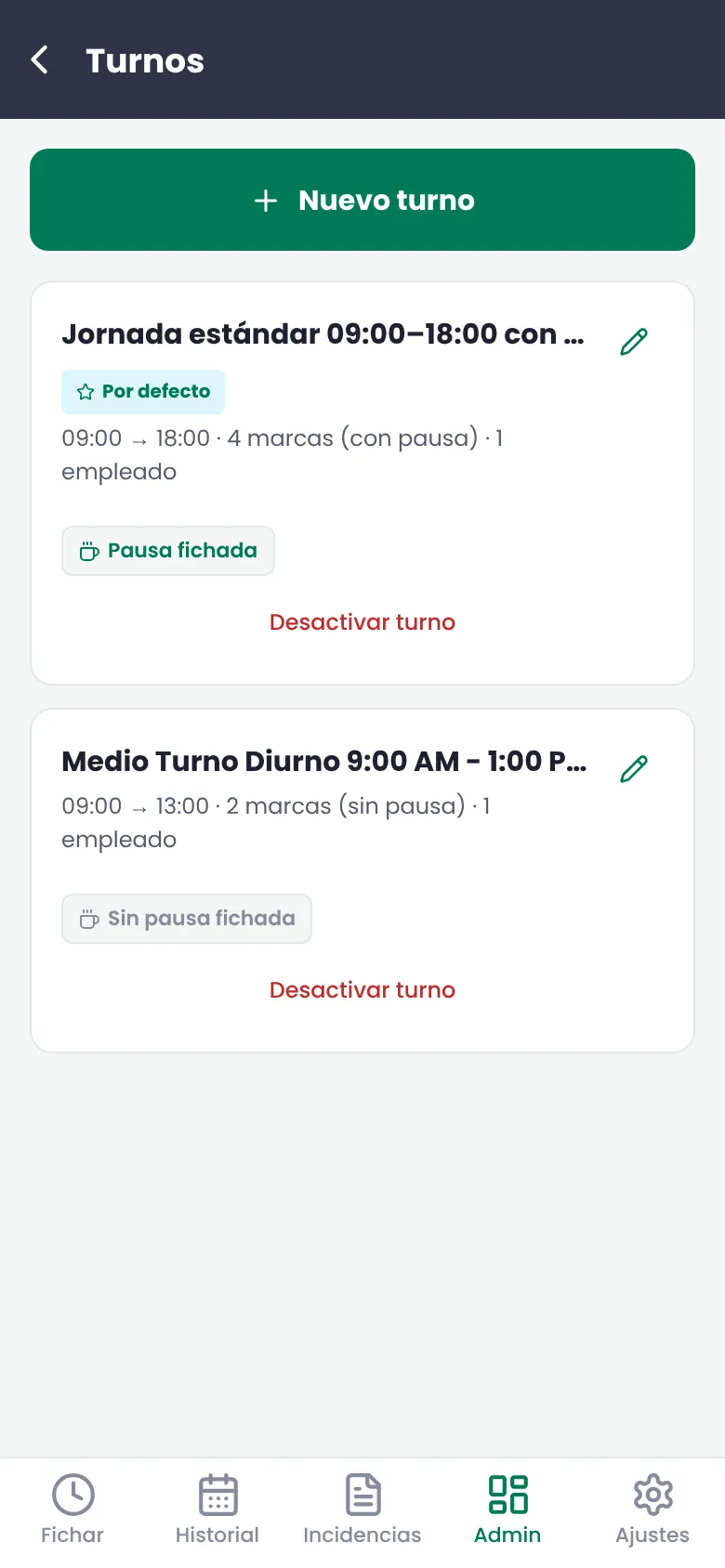
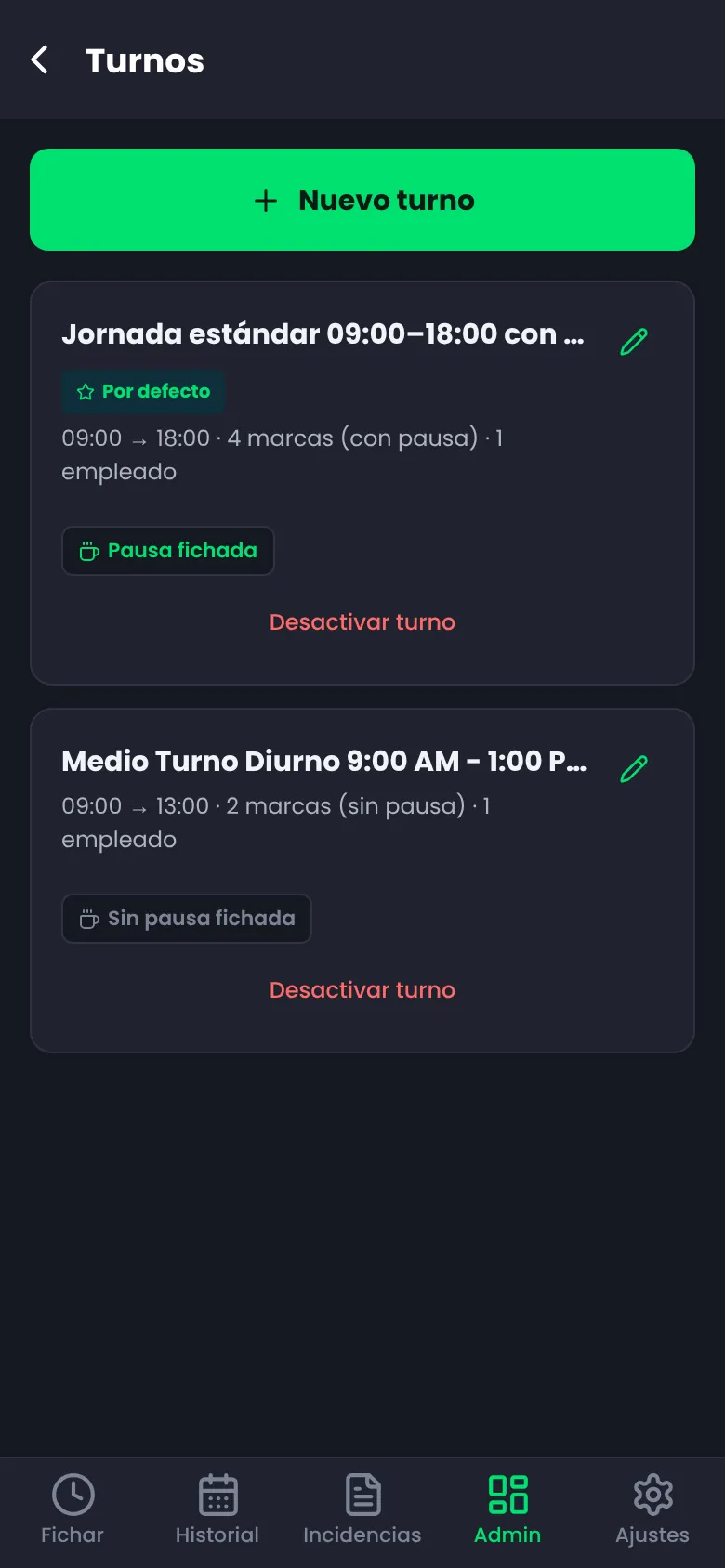
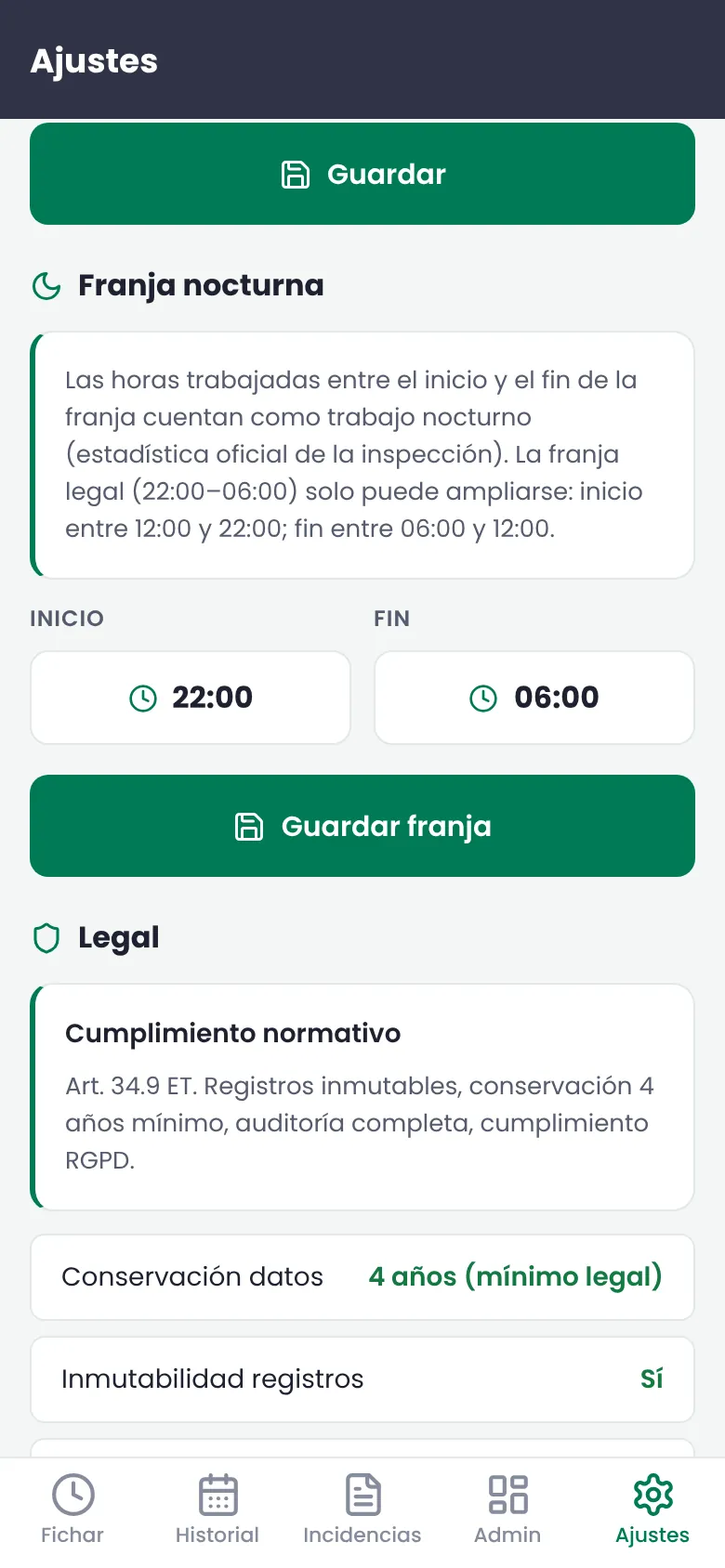
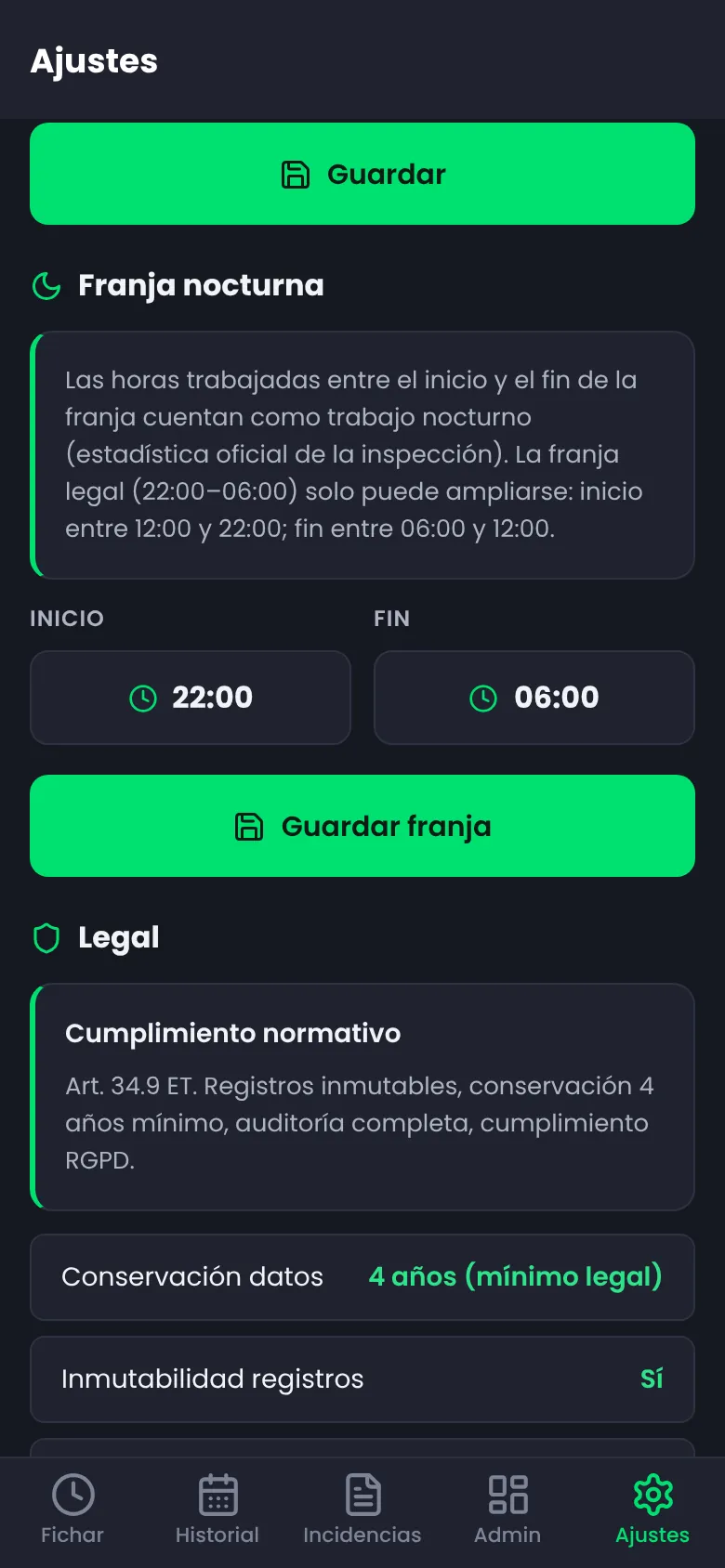
Shifts and night hoursShifts with or without a clocked break, including ones that cross midnight. The night band is configurable.
Work centres and geofenceEach centre has its address, time zone and radius. The geofence can be informative or mandatory, and the app flags out-of-zone clock-ins.
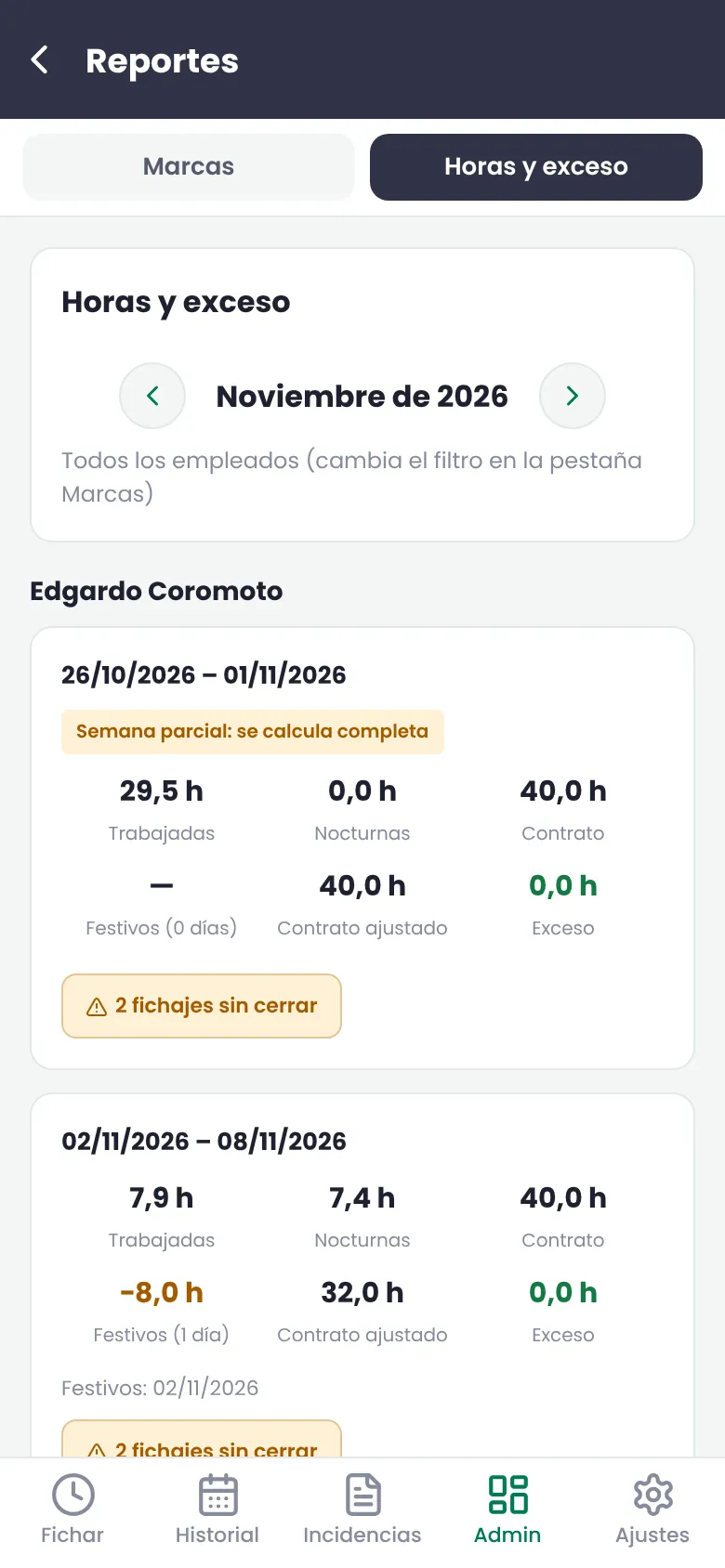
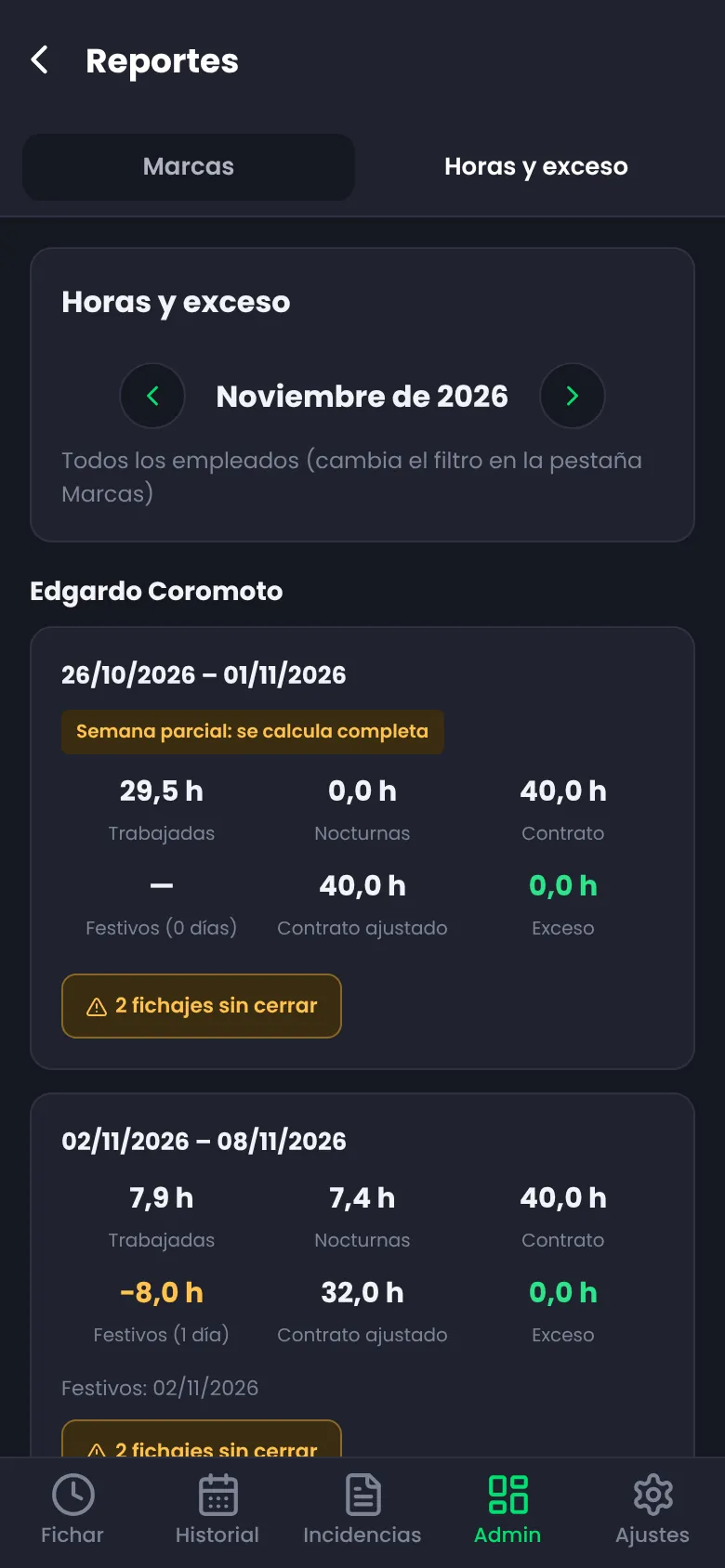
Hours, overtime and holidaysWeekly totals for hours worked, night hours and overtime. Regional holidays adjust the contract.
Admin view
Inspection day
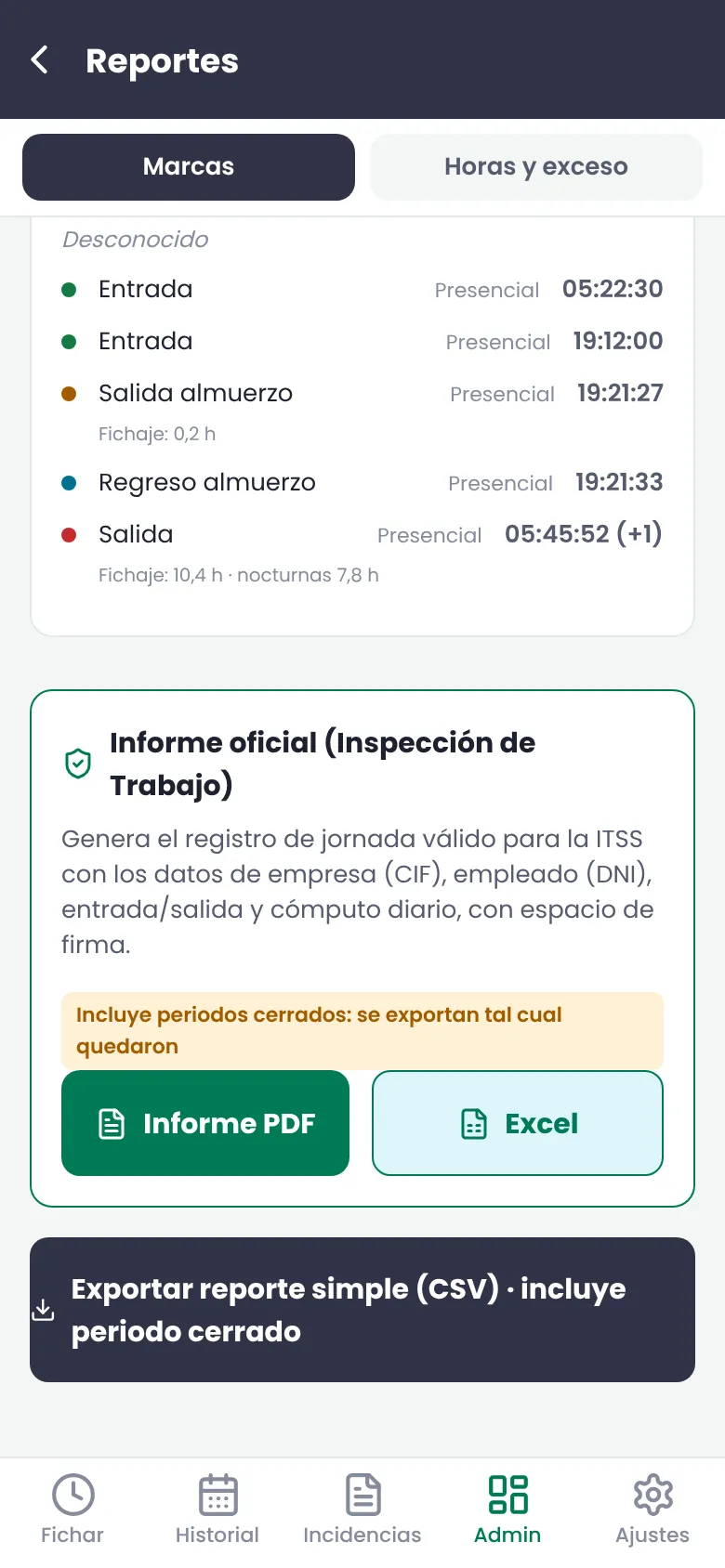
Close the period and the report comes out as PDF, Excel or CSV.
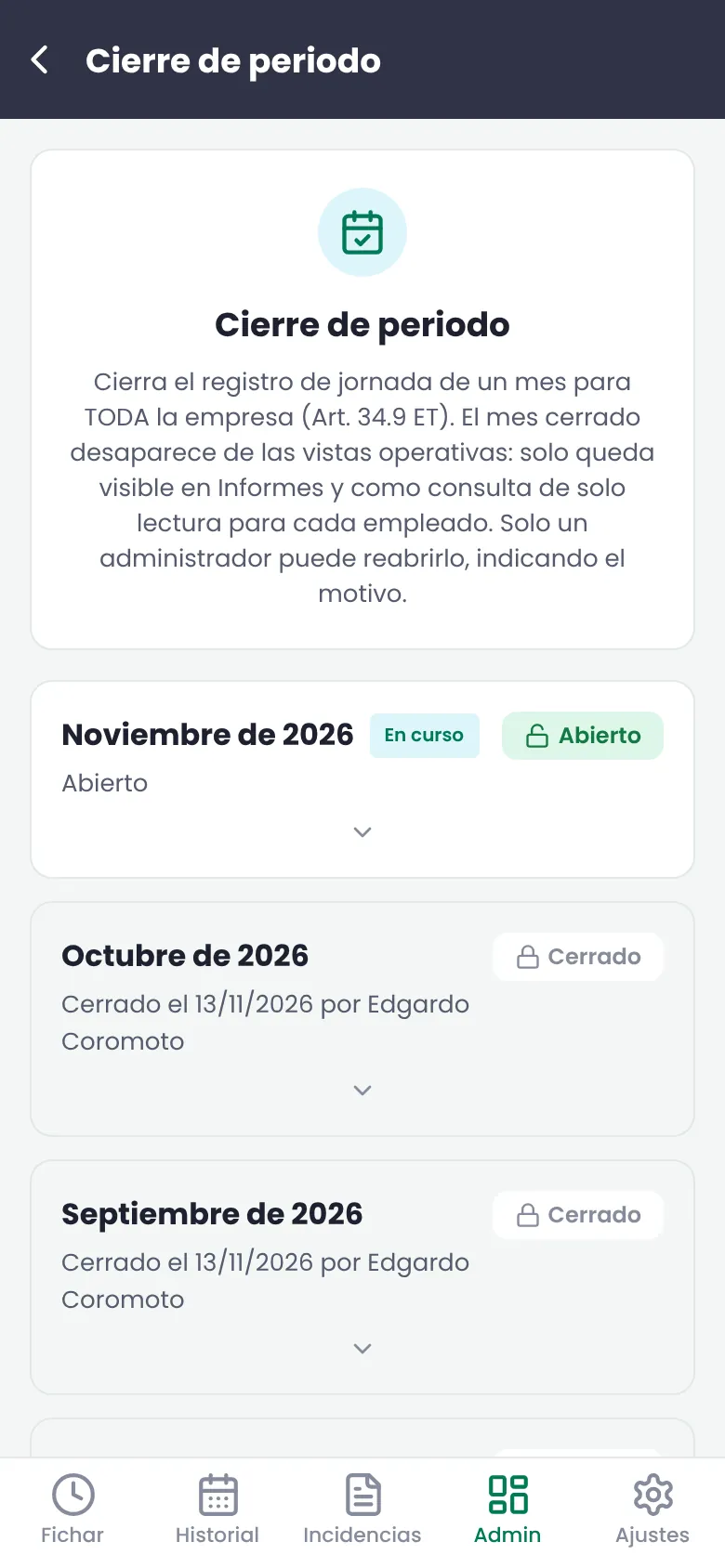
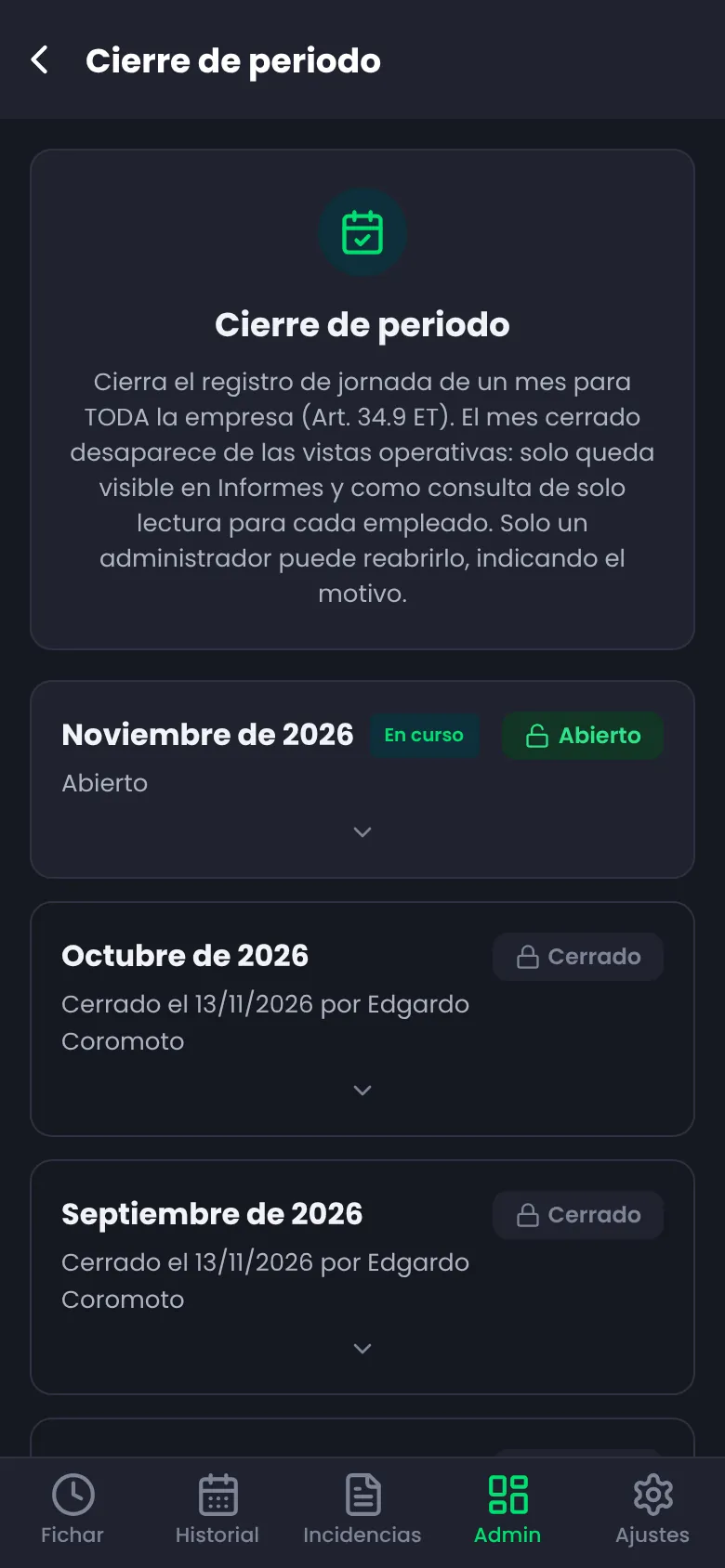
Period closeAn admin closes a month for the whole company. It becomes read-only and only an admin can reopen it, giving a reason.
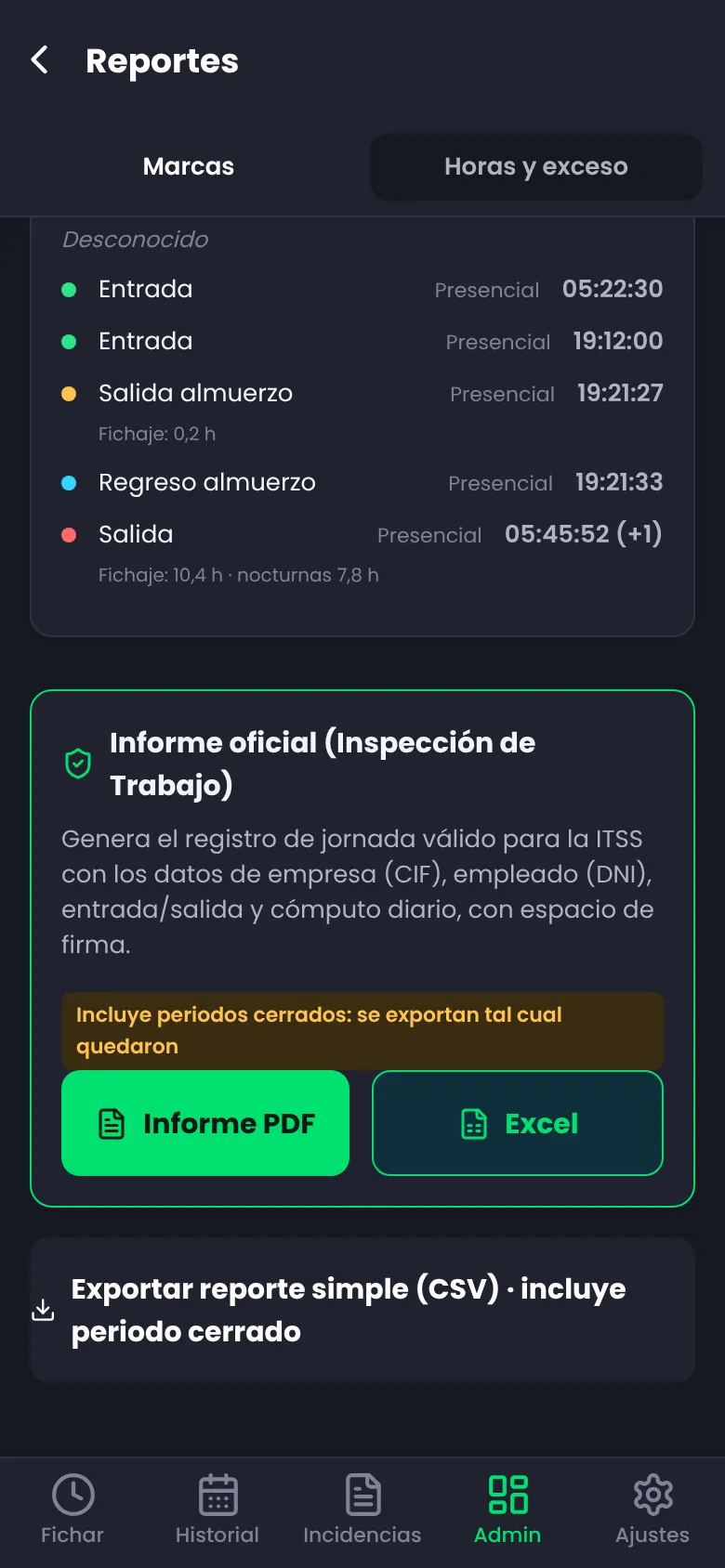
Inspectorate reportPDF, Excel or CSV with company and employee details, entry, exit and daily totals, with space for a signature.
Action audit logLogins, clock-ins, corrections and closes are logged with user and time.
Pricing
Start free. Grow when you need to.
Starter is free forever up to 2 users. Pro removes the limits.
Starter lets you start clocking in today. Pro adds what you need as you grow: more users and centres, geofence and 4 years of history online.
What changes with Pro
StarterFree
Pro€1.50 per user per month
Shifts with or without a clocked breakIncludes shifts that cross midnight and a default shift for new hires.
1 shift
Unlimited
Work centresAddress, region, time zone and assigned people.
1 centre
Up to 3
Informative or mandatory geofenceRadius per centre. Only the result (inside or outside) is stored, not coordinates.
Not included
Included
Out-of-zone alertsDashboard alert with the distance to the centre.
Not included
Included
Bulk user importPaste a list of emails and the company invites them all at once, with the default shift and centre.Coming soon
Not included
Included
Per-user licencesIncreases apply immediately; reductions apply at renewal.
Up to 2 users
Unlimited
AdminsWho can manage the company: onboarding, corrections, reports and settings.
1
Unlimited
Records historyRecords are never deleted: they are kept for 4 years. Starter shows your account's current year; each anniversary the previous year is archived, and you can download it, ask support for it, or get it back with Pro. Pro shows all 4 years online.
Current year
4 years
See the 20 features included in Starter and Pro
Included in both plans
StarterFree
Pro€1.50 per user per month
Clocking in
One button for the next recordStart, break, return or end of day: the app shows the one that comes next.
Included
Included
On site, remote or travellingWhen travelling it records local time; reports read in the centre's or local time.
Included
Included
Undo the last recordOnly the latest one, with a reason and within 24 hours. Anything else is corrected with approval.
Included
Included
Free clocking or assigned shiftEach person can have an assigned shift or clock in without fixed hours.
Included
Included
Shifts and work centres
Configurable night bandThe legal band (22:00–06:00) can only be widened.
Included
Included
Regional holidaysLoaded per year and used to adjust the weekly contract.
Included
Included
Absences and corrections
Request a correctionWith a reason of at least 20 characters. Pending until approved.
Included
Included
Approve or reject correctionsThe old record is voided, not deleted, and who asked and who approved is kept.
Included
Included
Request an absence justificationHolidays, sick leave and permits, by day or range, with optional partial hours.
Included
Included
Approve or reject justificationsReview queue with status and comment.
Included
Included
Hours, reports and close
Hours worked, night hours and weekly overtimePer week and per employee, with holidays deducted from the contract.
Included
Included
Records reportFilter by employee and dates, in the centre's or local time.
Included
Included
Official Inspectorate reportPDF or Excel with company and employee details and space for a signature.
Included
Included
CSV exportSimple report, including closed periods.
Included
Included
Period closeThe month closes for the whole company. Only an admin can reopen it, with a reason.
Included
Included
Account, security and plan
Tamper-proof recordsRecords are never edited or deleted: they are voided and replaced.
Included
Included
Action audit logLogins, clock-ins, corrections and closes with user and time.
Included
Included
Invite-based onboardingLink with role, shift, contract and centre. The person sets their password.
Included
Included
Company logo and coloursFive colour themes that every user sees.
Included
Included
Web, iOS and AndroidApp you install from the browser.
Included
Included
Browser extension New
Clock in from your browser, without opening the app.
For people who work at a computer: the BxClick extension lives in the browser toolbar and records the next clock-in with one click.
One click from the toolbarOpen the BxClick icon and see the time and the record that comes next: start, break, return or end of day.
Your same accountSign in with your BxClick email and password. What you record shows up at once in the app and in the reports.
Chrome and FirefoxInstall it from each browser's official store, like any other extension.
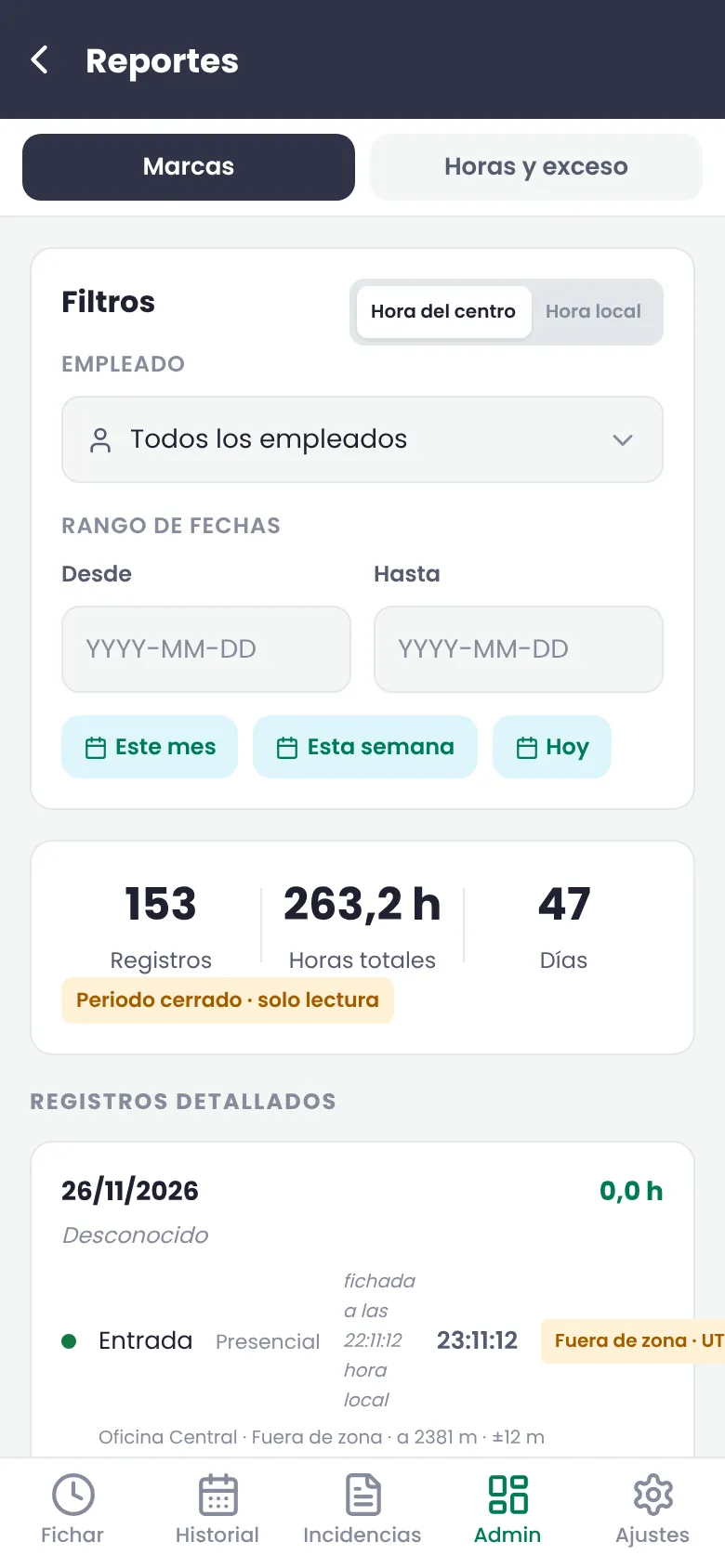
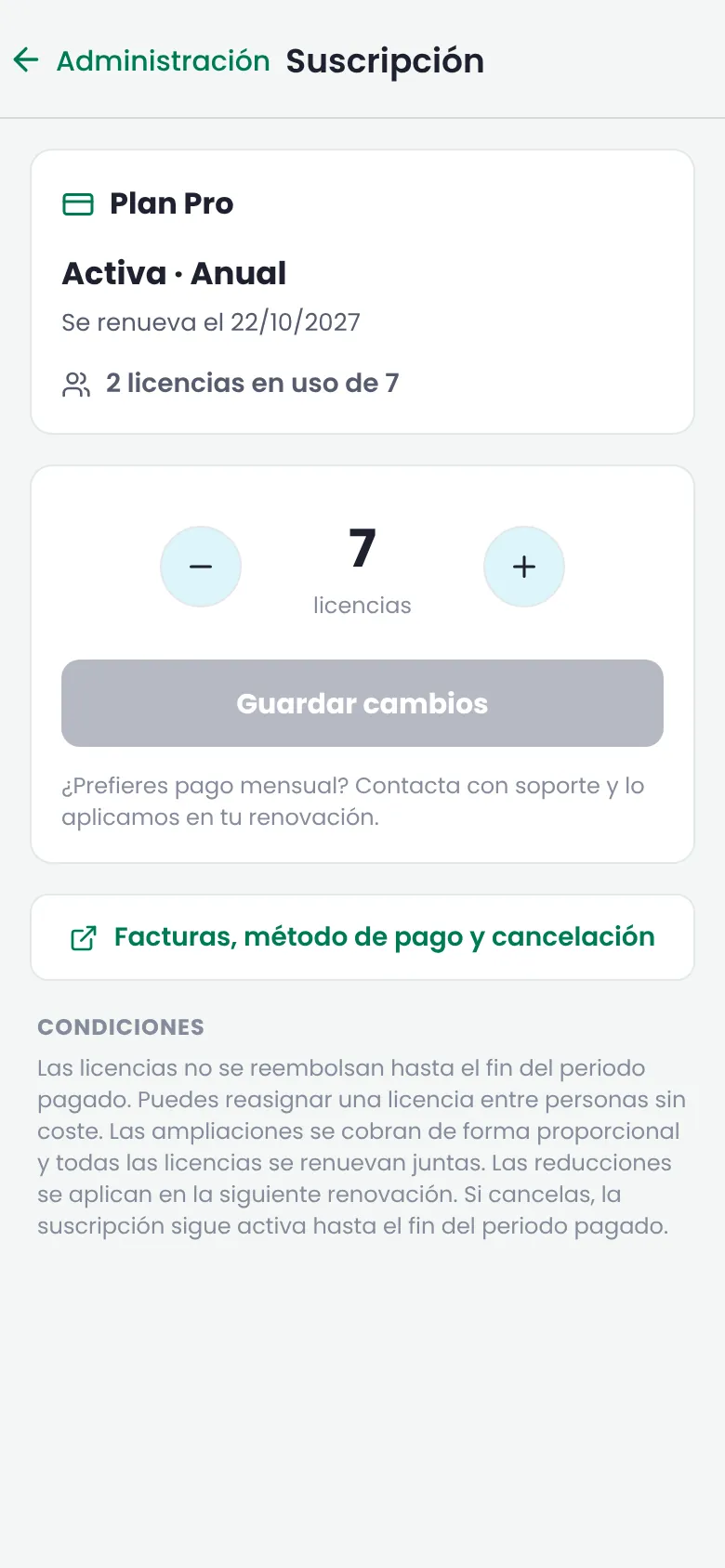
Real screenshots of the app in use. The interface is currently in Spanish.
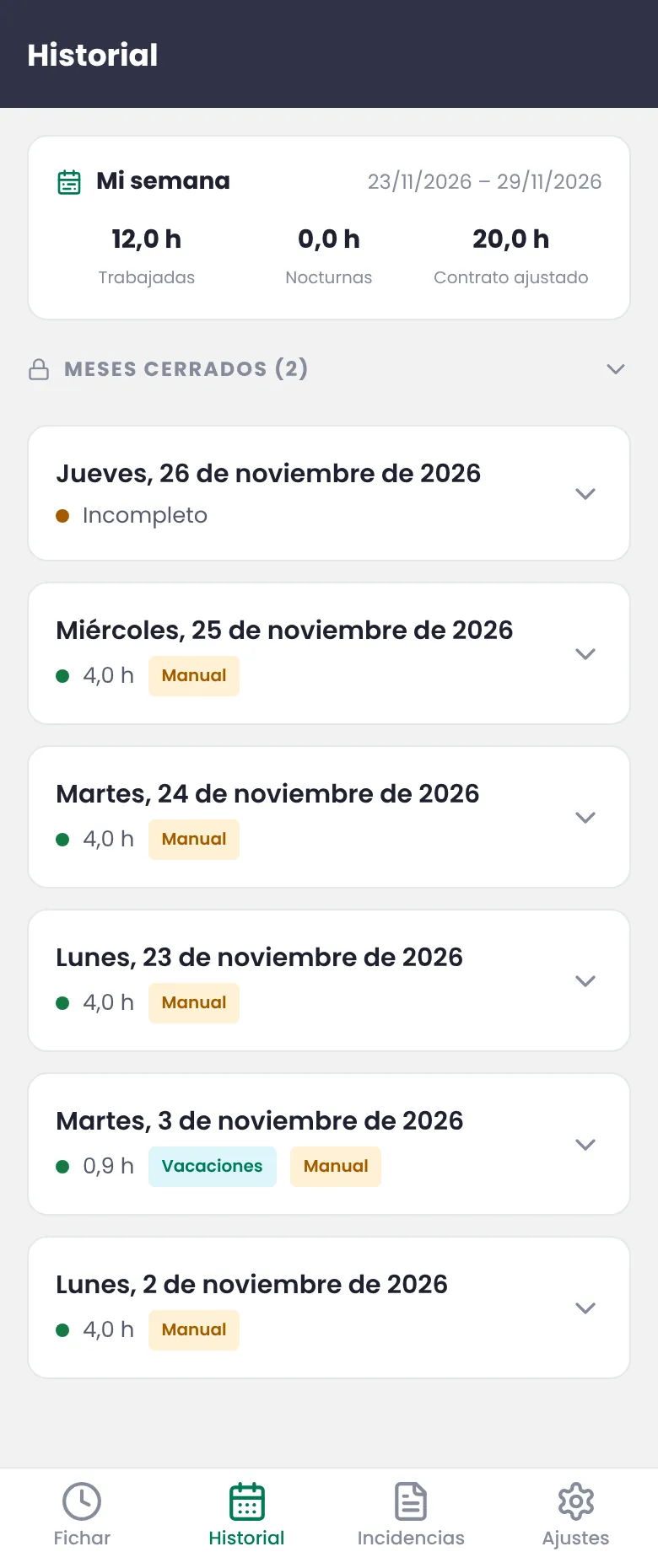
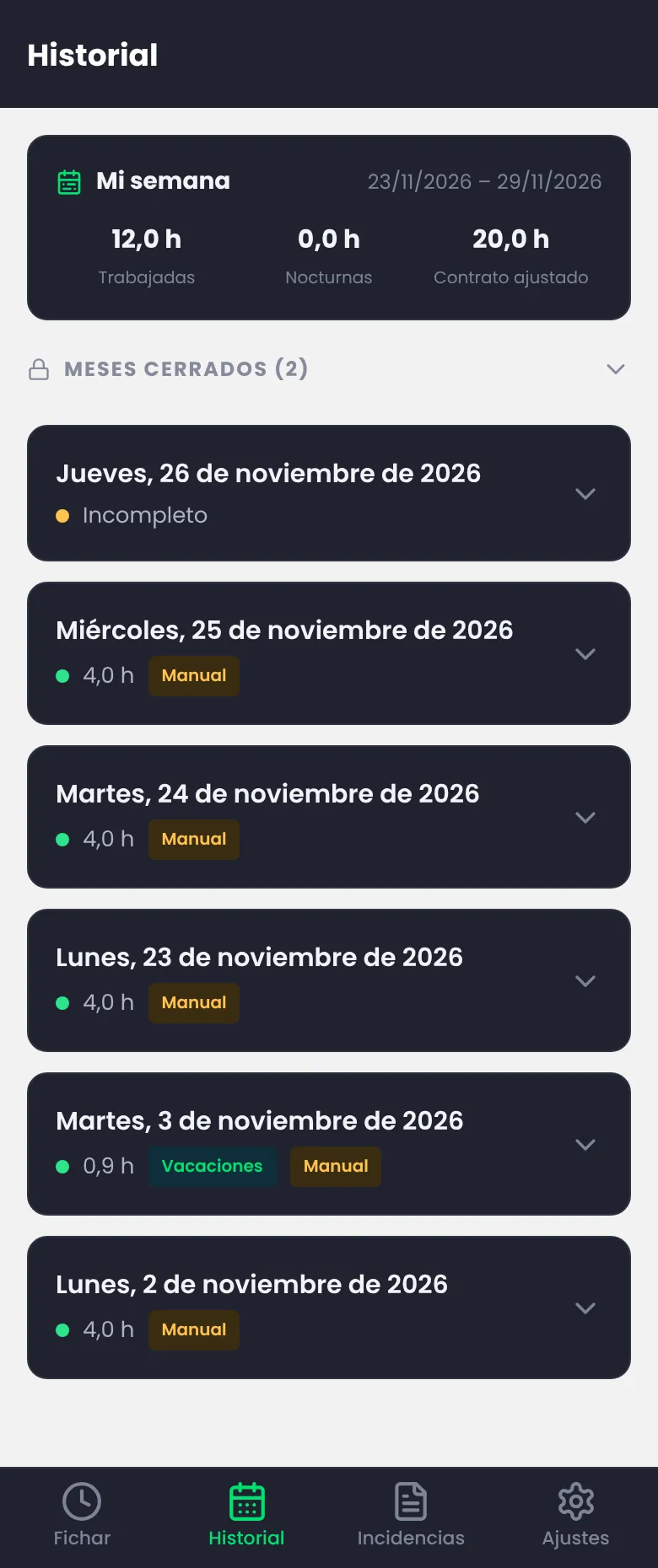
Employee viewHistory with closed months
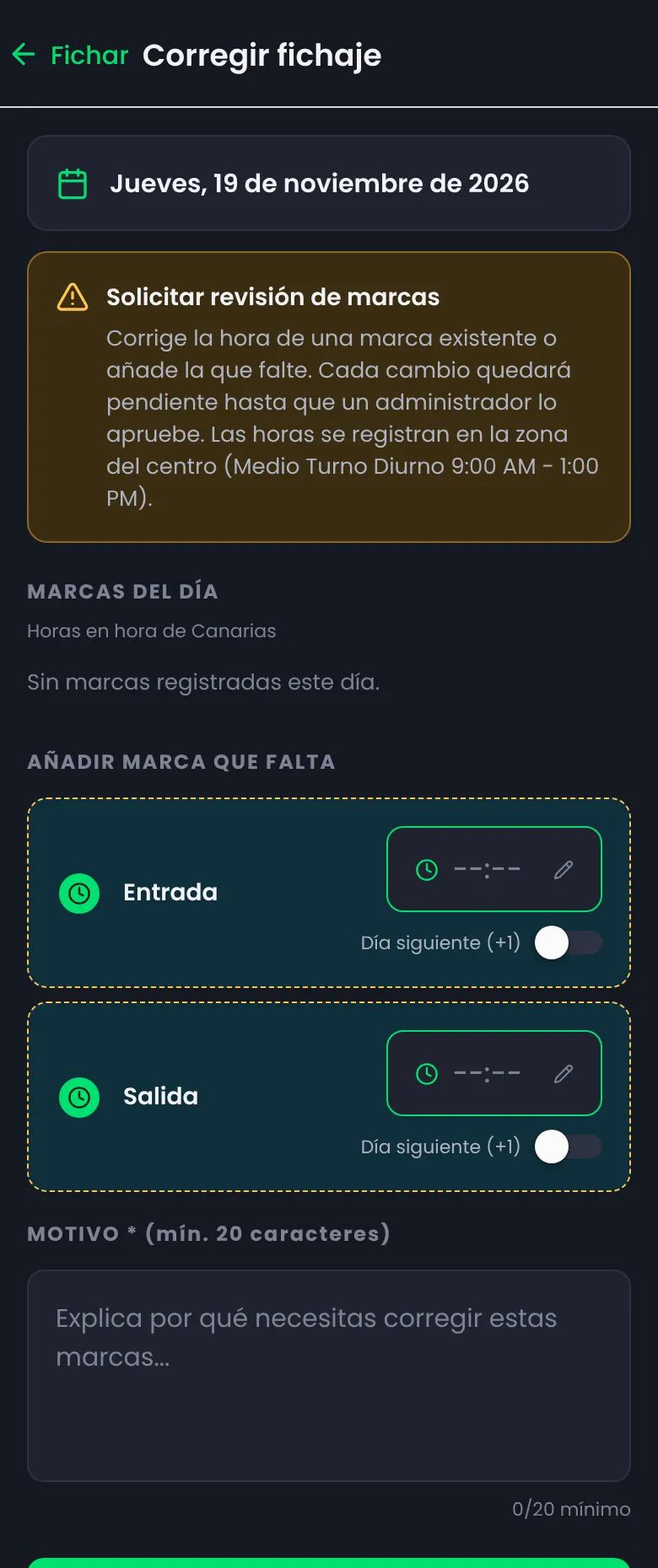
Employee viewCorrect a clock-in
Admin viewCorrections queue
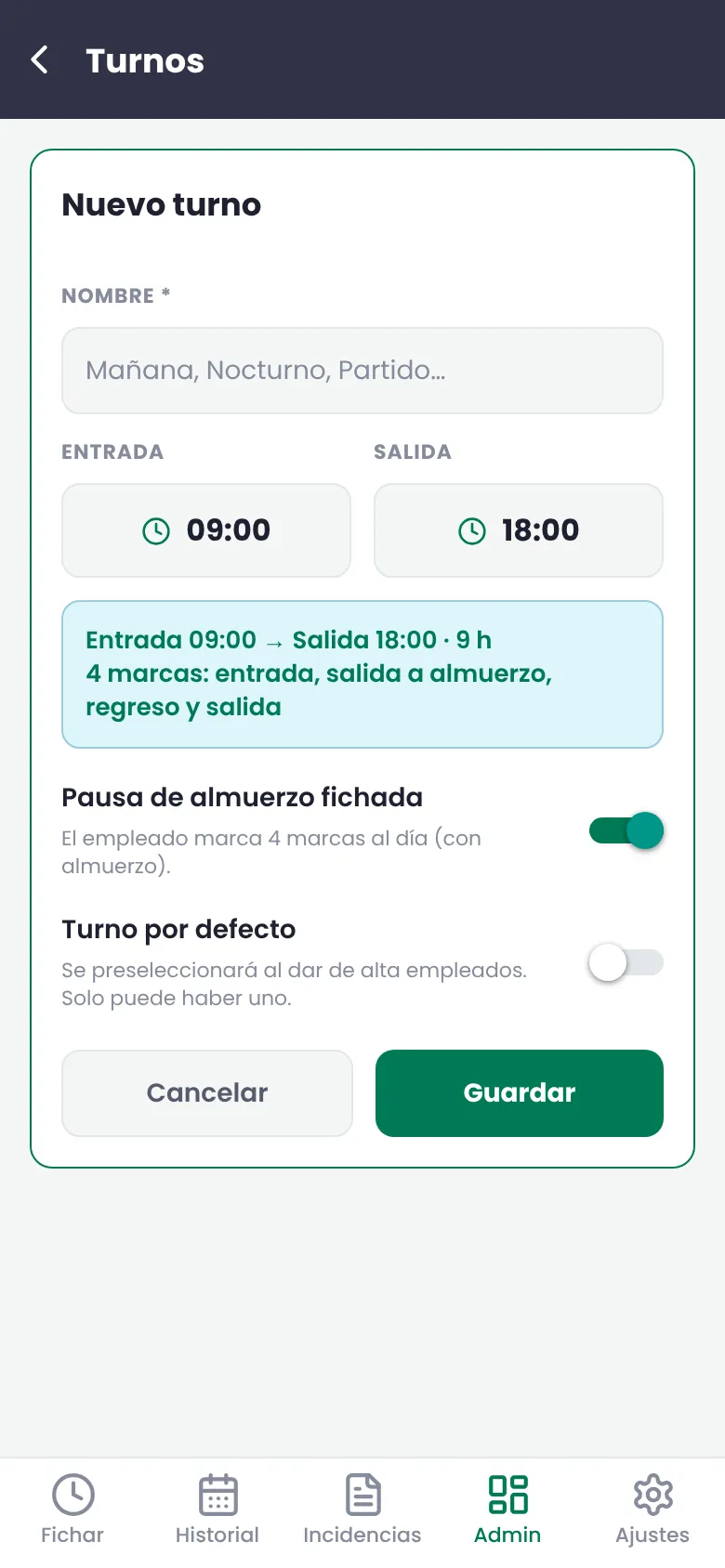
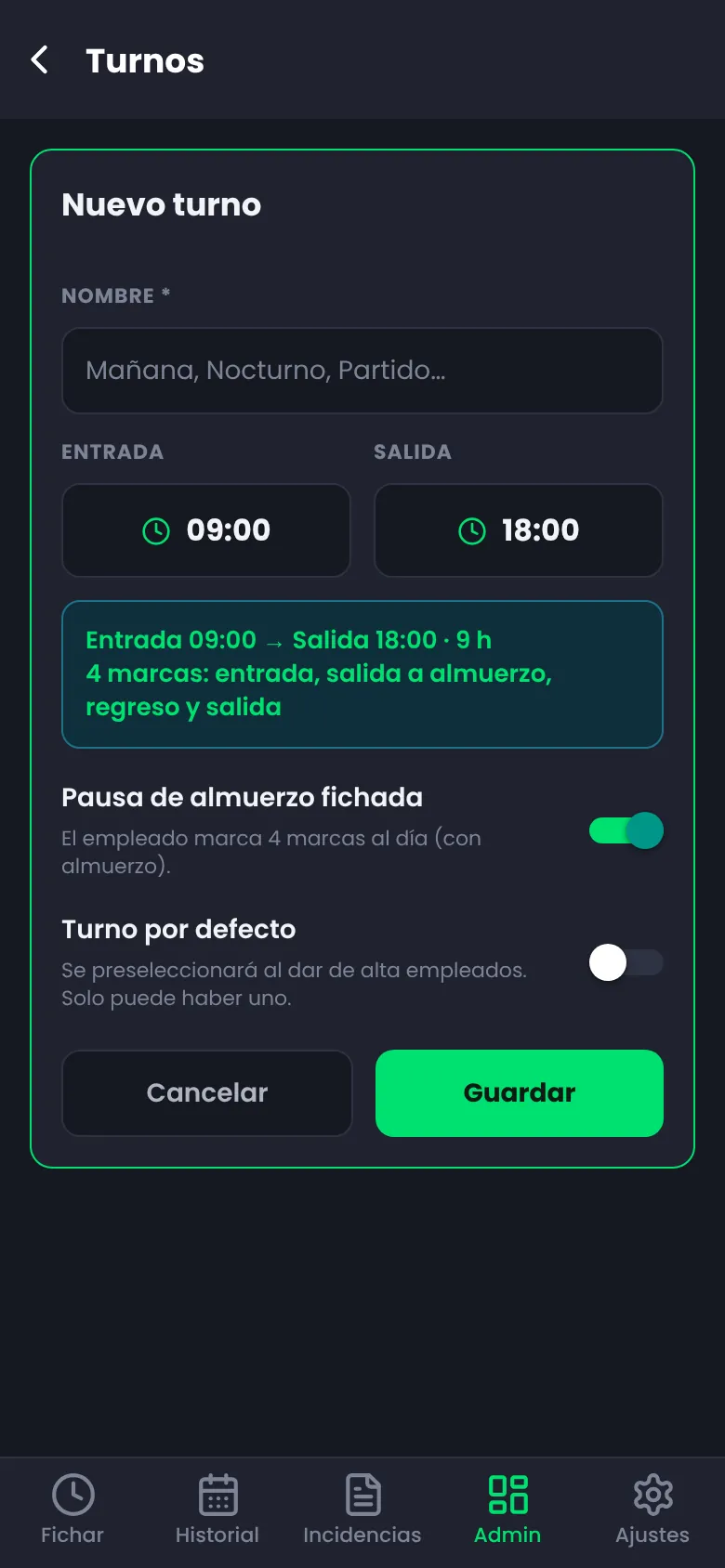
Admin viewNew shift
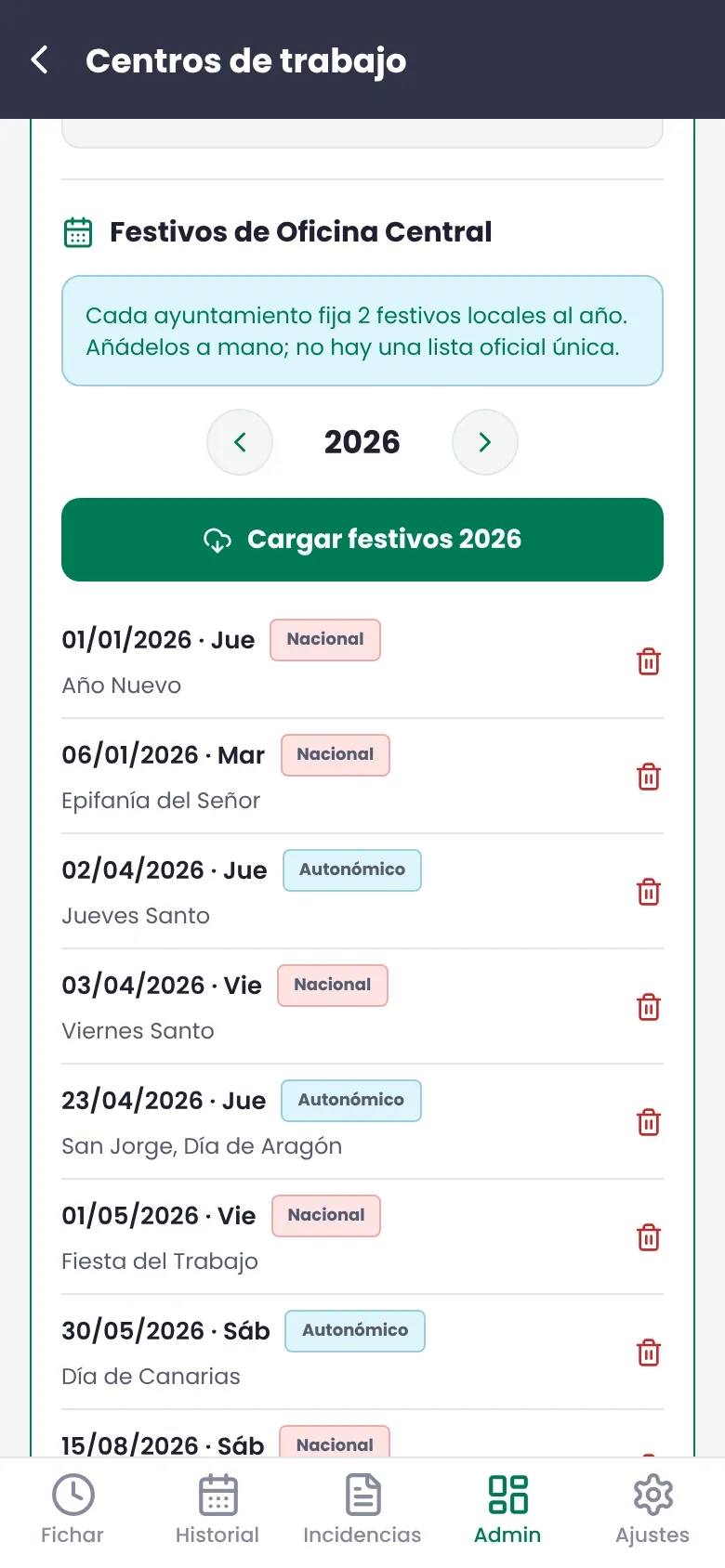
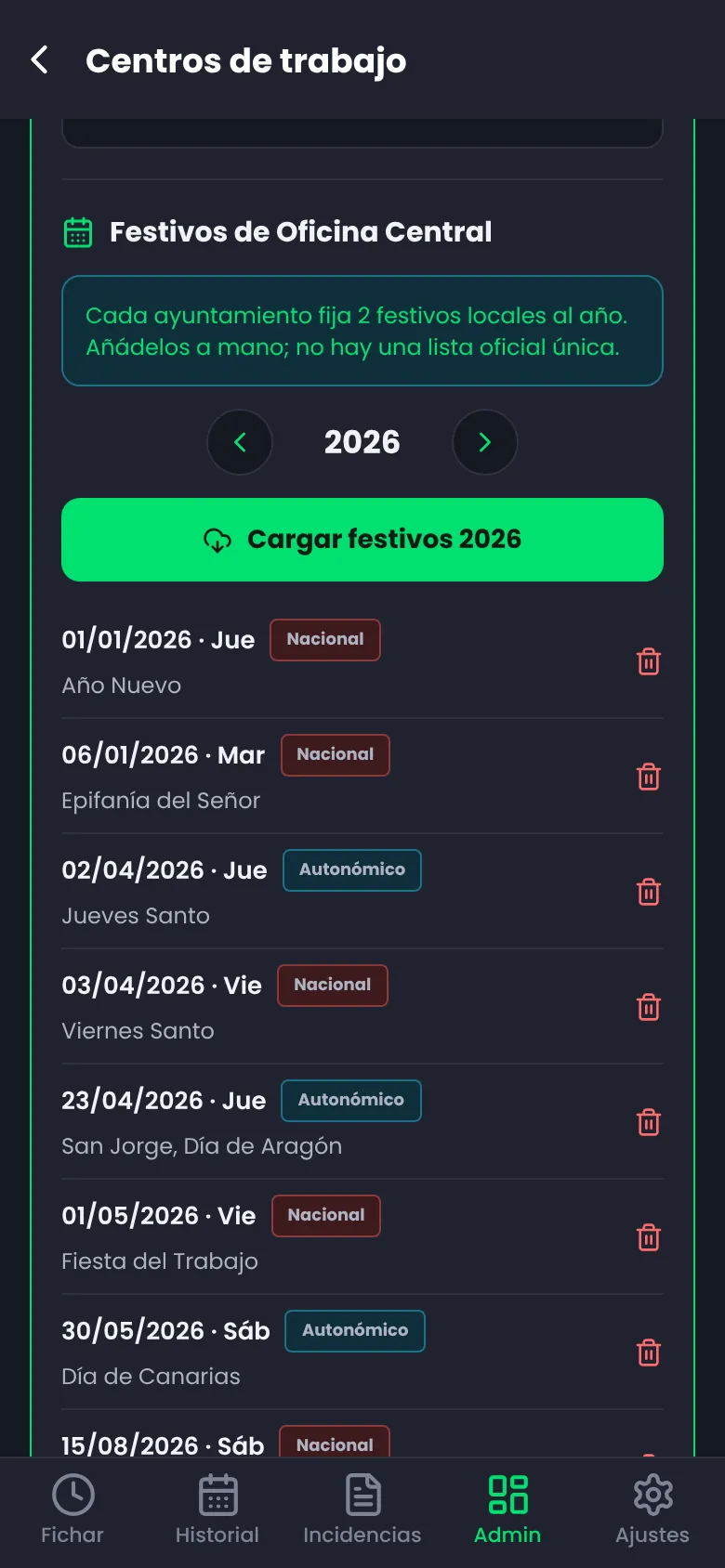
Admin viewRegional holidays
Admin viewNight band
Admin viewWeekly hours and overtime
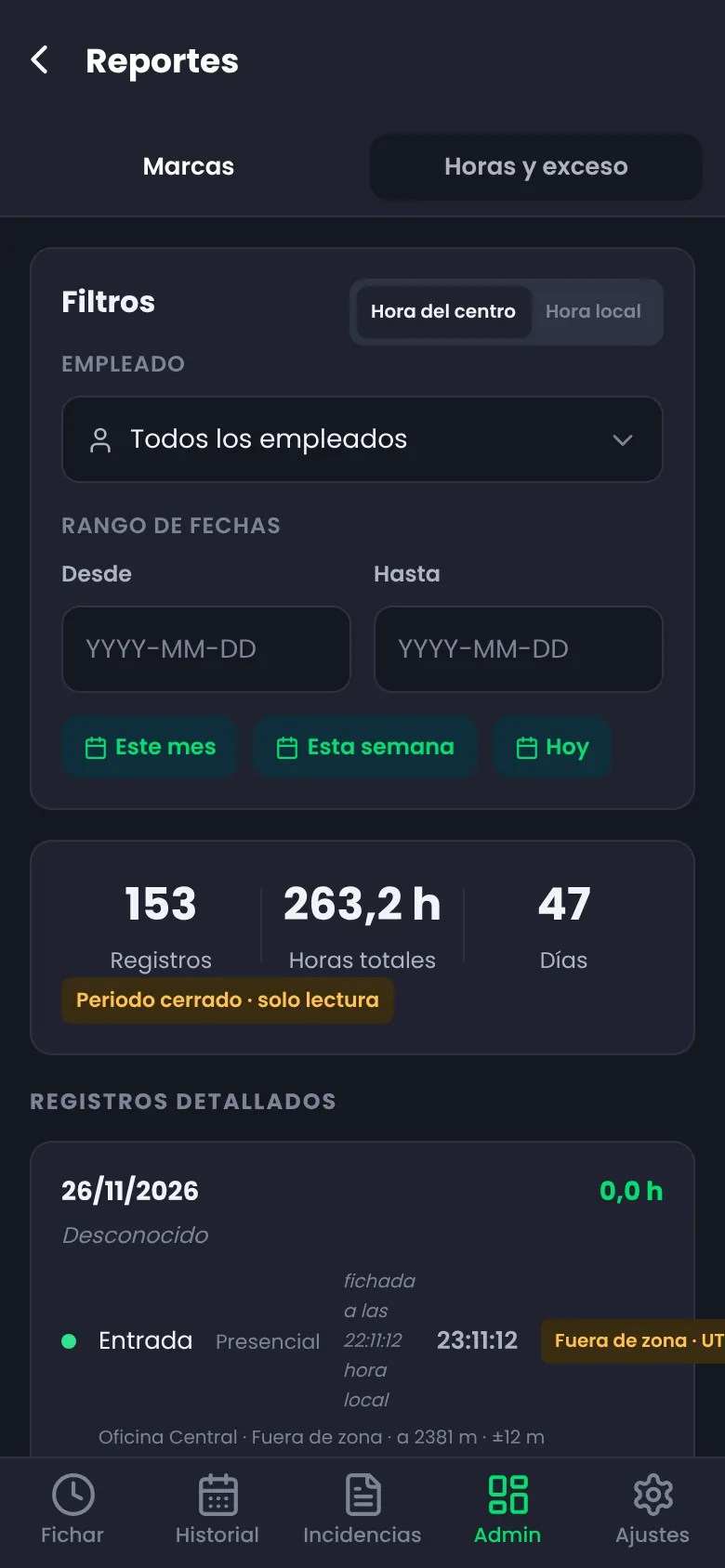
Admin viewRecords by employee and date
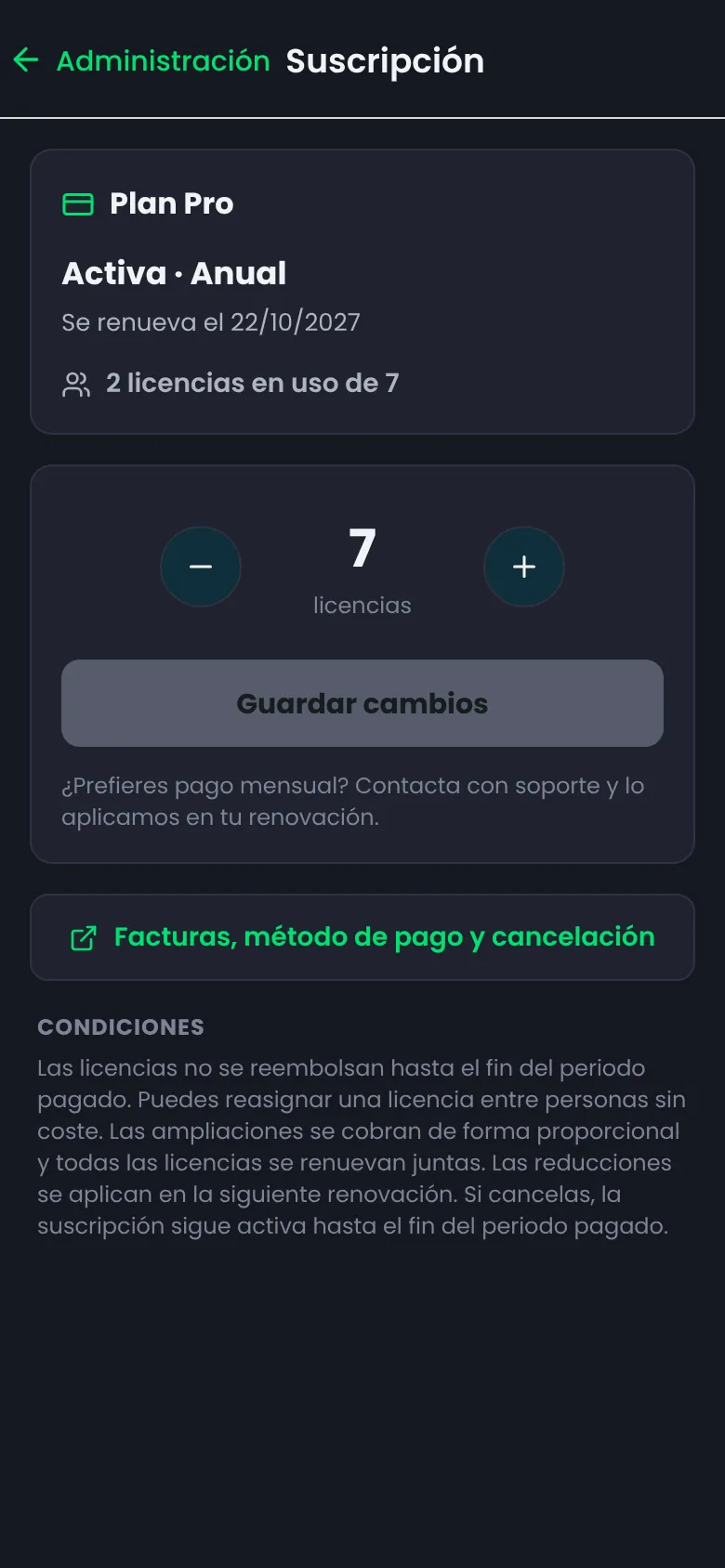
Admin viewLicences and subscription
AccessCreate the company
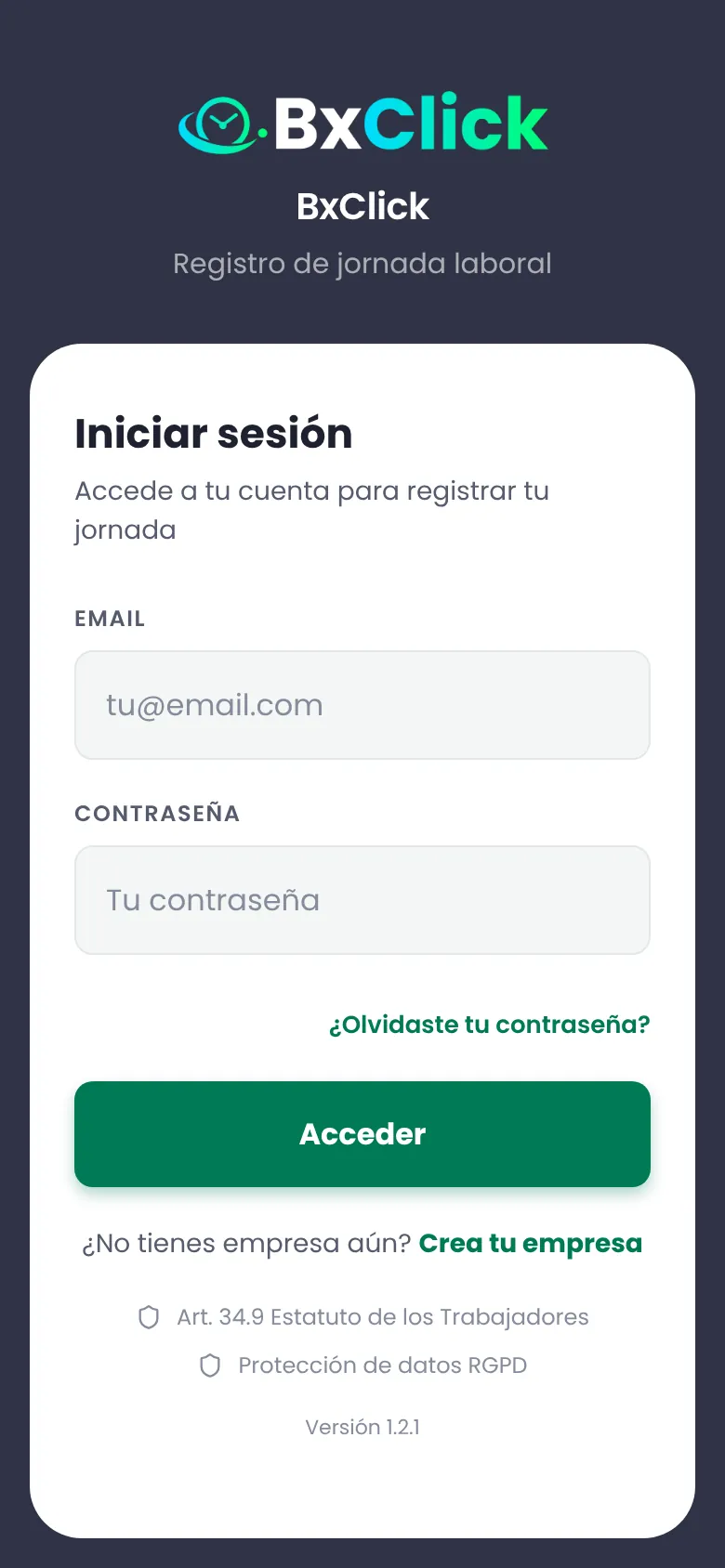
AccessSign in
Compared with the usual
A spreadsheet can be edited. A time record shouldn't be.
Paper or spreadsheetBxClick
Records that can't be editedNoYes
Clock in from a phoneNoYes
Corrections with reason and approvalBy handYes
Audit log of logins and changesNoYes
Period close with real effectBy handYes
Inspectorate report in PDF and ExcelBy handYes
FAQ
What people usually ask before starting.
Is recording working hours mandatory?
Yes. Since May 2019 every company in Spain must record each employee's daily working time, whatever its size, and keep the records for 4 years. Records are never deleted: BxClick keeps them for 4 years. With Pro you see all of them online. With Starter you see your account's current year; each anniversary the previous year is archived and you can download it, ask support for it, or get it back by moving to Pro. To ask for it, open a ticket at soporte.bxclick.com or email [email protected] from the company administrator's email address.
What if someone clocks in wrong?
They can undo their last record, with a reason, within the following 24 hours. For anything else they request a correction with a reason, and an admin approves or rejects it. The old record is voided, not deleted.
What does the Labour Inspectorate receive?
A PDF or Excel report per employee and period: company details, national ID, and for each day the first entry, the last exit and total hours.
Do I need a card to try it?
No. You create the company and get 14 days of Pro with unlimited users. When it ends, with 2 users or fewer you stay on Starter, free. With more, you buy licences from inside the app.
What happens when the 14-day trial ends?
It depends on how many users you have. With 2 or fewer, you move to Starter automatically, free forever, and you lose no records. With more than 2, the account becomes read-only: you can view and export everything, but not clock in or invite people until you take Pro. When the trial ends, the admin gets a notice in the app.
We are more than 2 people. Can we stay on Starter?
Starter allows up to 2 users. With more, you can take Pro, at €1.50 per user per month, or cut the company down to 2 users by deactivating the rest. The records of deactivated people are kept, but those people can no longer clock in.
What does the free plan include?
Starter is free forever for companies with up to 2 users: 1 admin, 1 work centre, 1 shift type, clocking in on the app, the web and the extension, corrections with approval, overtime report and PDF and Excel reports. It does not include location checks or the geofence.
What happens if I cancel or stop paying?
With 2 users or fewer you stay on Starter, free. With more than 2, the company becomes read-only: you can view and export all your records, but not clock in or invite anyone.
How does my team join?
You generate an invitation link that expires after 7 days. Each person sets a password and signs in. The app installs from the browser on iOS and Android.
Your first clock-in, this afternoon.
Create the company, invite your team and start recording working time today.